Problem solved by Screen Studio Kit
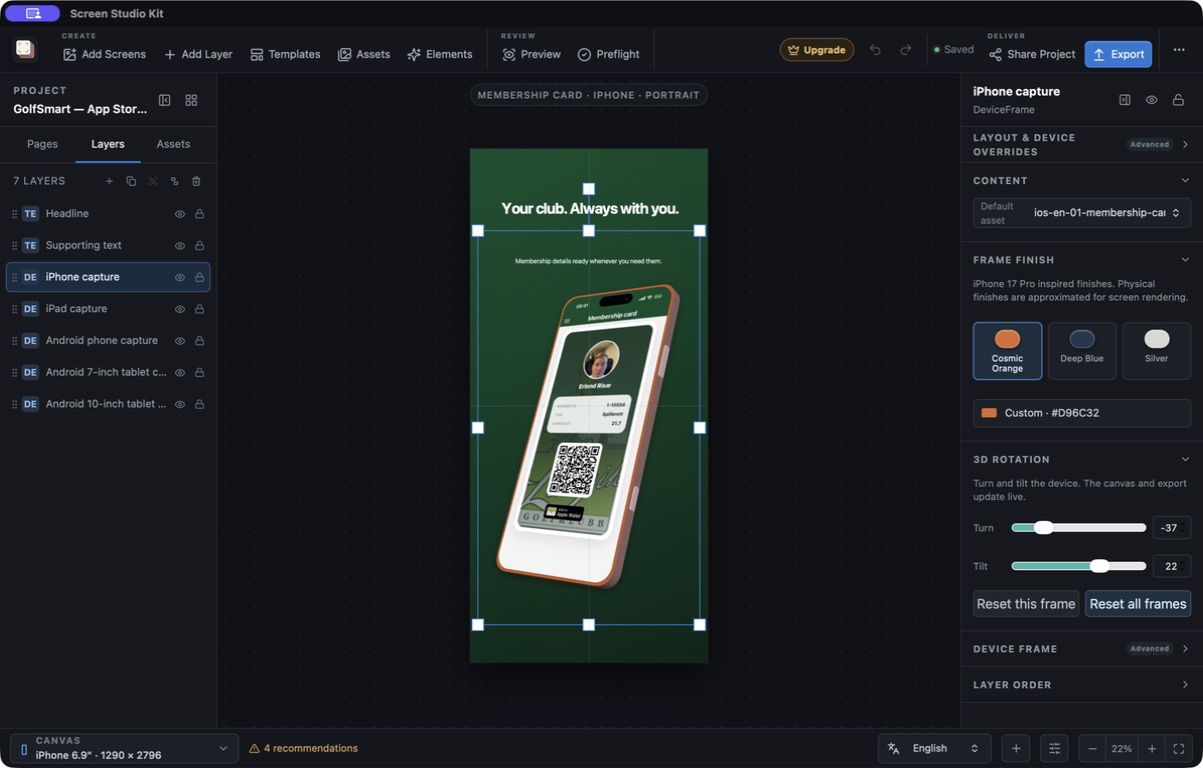
Put app captures in editable device frames
Add platform-aware phone, tablet, watch, and desktop frames to app-store screenshots without flattening the composition.
See it in the app
A focused workflow, on your computer.
Everything runs locally. Screen Studio Kit does not use AI or language models, and it does not share your projects, assets, credentials, or other data with anyone. Only an explicit publishing action sends approved screenshots directly to the store you choose.
The problem
Why the usual workflow gets in the way.
A baked-in phone mockup looks finished until the capture, frame, crop, or output size changes. Then the complete image has to be recreated.
The solution
How Screen Studio Kit handles it.
Screen Studio Kit treats device frames as editable scene layers alongside captures, text, images, shapes, and groups. Version 1.2 adds live Turn and Tilt controls, so perspective remains adjustable across outputs and is reproduced by native export.
Three short steps
From source to answer.
- 01
Import the source-resolution app capture.
- 02
Add the matching platform-aware frame.
- 03
Adjust and preview it across selected outputs.
Available for macOS and Windows