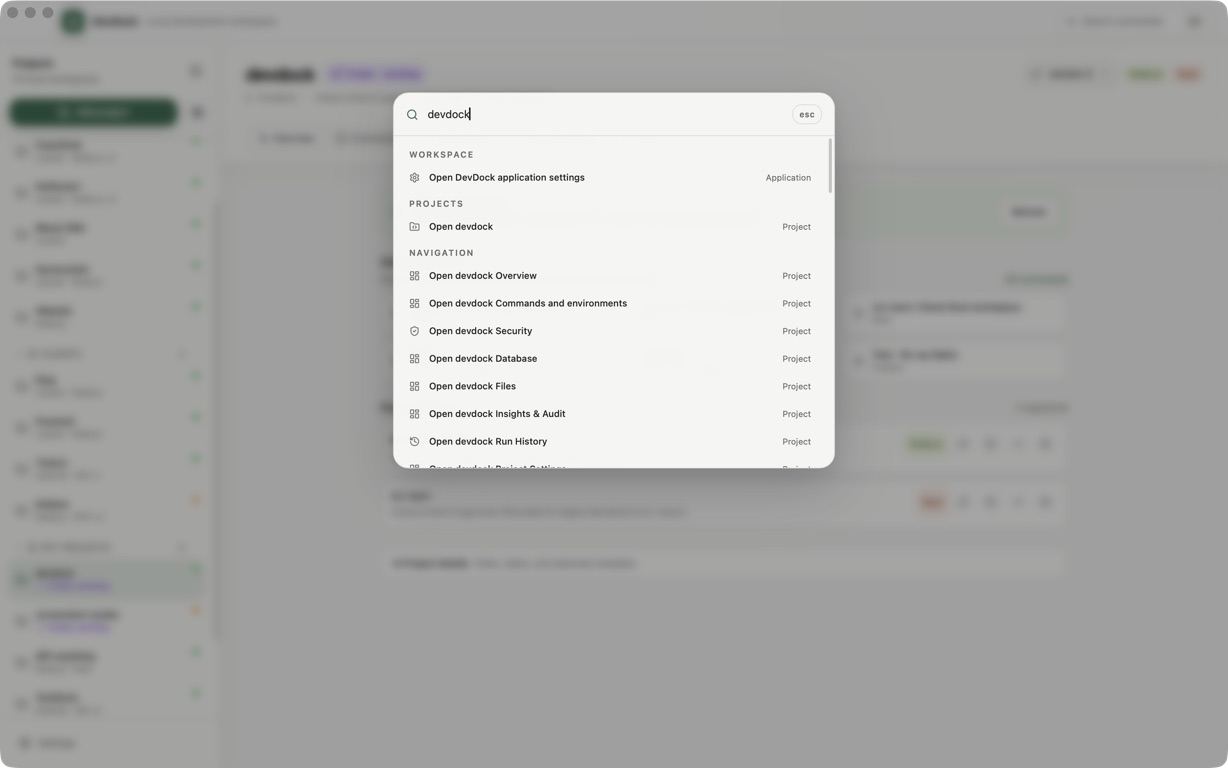
The most important change in DevDock 1.1 is three keys: Shift–Command–K. Press them from anywhere on macOS and a focused command launcher appears without making you find the main DevDock window first.
This release grew out of a simple frustration. DevDock already knew which projects I had, which commands belonged to them, which ones I had pinned, and what I had run recently. But reaching that knowledge still meant switching applications. Version 1.1 turns it into a desktop-level action.
01 / ⇧⌘K
A command launcher that is actually global
The new shortcut is system-wide: Shift–Command–K on macOS and Ctrl+Shift+K on Windows. It opens a separate, always-on-top launcher on the display under the pointer, so the current editor, browser, or terminal can stay where it is.
The launcher combines three useful sets of commands. Today brings in pinned quick actions, Recent brings back commands from the latest runs, and Commands searches the complete command index across registered projects. Search includes the project name, path, command name, description, technology, executable, and arguments.
Shift–Command–K turns DevDock from a place you visit into a capability that is waiting wherever you work.
A safe command can start directly from the result list. Commands with run-time values, custom or shell execution, or an explicit destructive or production confirmation open a review step first. That step shows the resolved command, collects the required values, and keeps the same safety checks as the main app. Git push returns to the full DevDock window for its dedicated review.
03 / Less transcription
Commands defined by the project can become DevDock commands
DevDock 1.1 can discover repository-defined Laravel Artisan, Symfony Console, CodeIgniter Spark, Django management, and Rails Rake commands. The scanner reads bounded source files; it does not boot the framework, execute project code, follow symlinks, or inspect dependency and build-output folders.
Required Laravel and Django positional arguments become structured fields instead of a command you have to edit by hand. Custom commands can use the same model: text fields, dropdowns, or text inputs with suggestions, plus defaults, help text, required values, and placeholders inserted into an argument or shell command.
Those values are remembered per command, and useful combinations can be saved as named presets. The result is still a transparent executable-and-arguments command. DevDock simply gives the variable parts a durable interface.
04 / See the patch
Git work is more inspectable before it changes anything
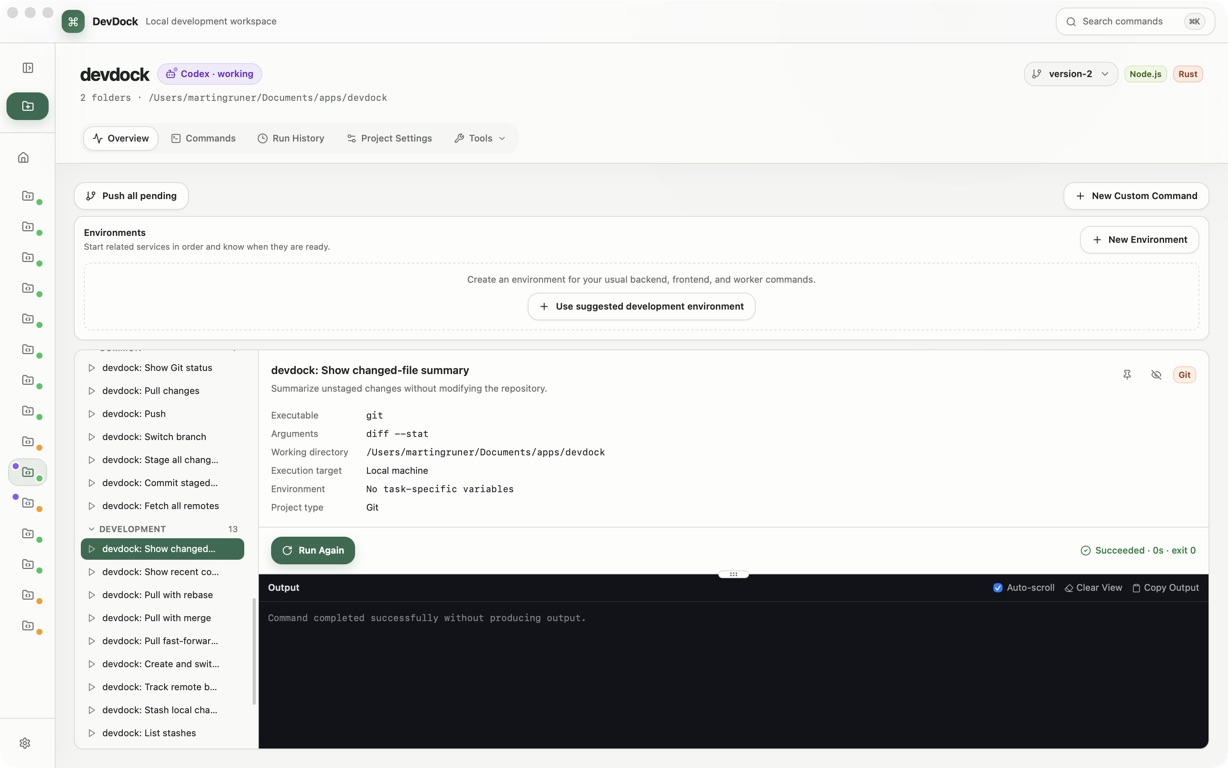
The commit flow now lets you choose files and open the current textual diff for each one before creating the commit. Additions and deletions are counted and highlighted, renames keep their original path visible, and very large previews are bounded rather than allowed to overwhelm the app.
Project Settings also has first-class remote management. DevDock lists fetch and push URLs, redacts embedded credentials for display, and can add a remote or change its name and URL. Removing a remote requires typing its name and explains that local files and commits, as well as the hosted repository, are left intact.
05 / Daily friction
Smaller changes close the loop
Android projects now have a repair path when DevDock cannot find adb. The app explains which Android SDK component is needed, lets you choose the executable, validates it, remembers the location, and retries the interrupted device workflow.
Repositories are easier to move between hosts and branches, too. Git remote URLs can be changed from Project Settings, while the branch control in the project header makes switching branches a quick, visible action instead of another trip to the terminal.
DevDock 1.1 is still a local project control panel. The difference is that its fastest path no longer begins with opening the control panel.