Save a profile
With Pro, save a profile after the source pattern, mode, and comparison options are understood. Name it for the review purpose rather than the two temporary filenames.
A profile should make a comparison reproducible without hiding the rules that influence its result.
Use ignore rules carefully
Ignore whitespace, case, paths, keys, or ordering only when the distinction has no meaning for this review. Broad rules can make a clean result misleading.
Prefer narrow path-specific rules and document why they exist.
- Mask secret values rather than discarding their surrounding structure.
- Use keyed arrays when identity is stable.
- Keep numeric tolerances scoped.
Review semantic differences
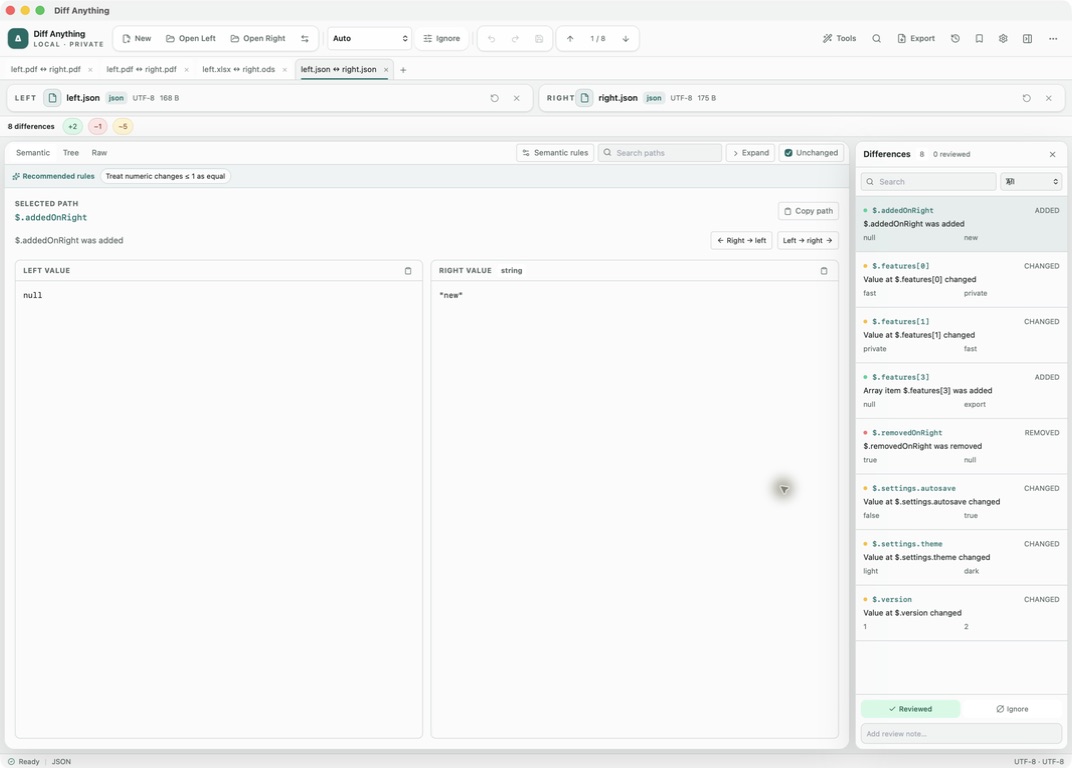
Filter and navigate the stable difference set, then mark items reviewed or attach notes as decisions are made. Review state explains progress without altering either source.
Recompute after source changes and confirm whether prior review state still maps to the same stable paths.
Apply supported changes
Text, JSON, YAML, XML, environment-file, HTTP-response, and API-schema modes can apply selected changes in either direction. Confirm source orientation and inspect the destination before saving.
YAML, XML, HTTP, and API-schema application asks for explicit confirmation because the target is validated and rewritten in a canonical format; comments and cosmetic formatting may change.
Export a report
Report export is part of Pro. Choose a report format for its reader: human review, test dashboard, security surface, or another application. Include the profile and relevant settings needed to reproduce the result.
Review reports for sensitive paths or values before sharing them outside the local environment.
Use live watch deliberately
Live watch, part of Pro saved profiles, is useful when sources change during development, but a moving result is not a release record. Pause or rerun against stable artifacts before approving a final comparison.
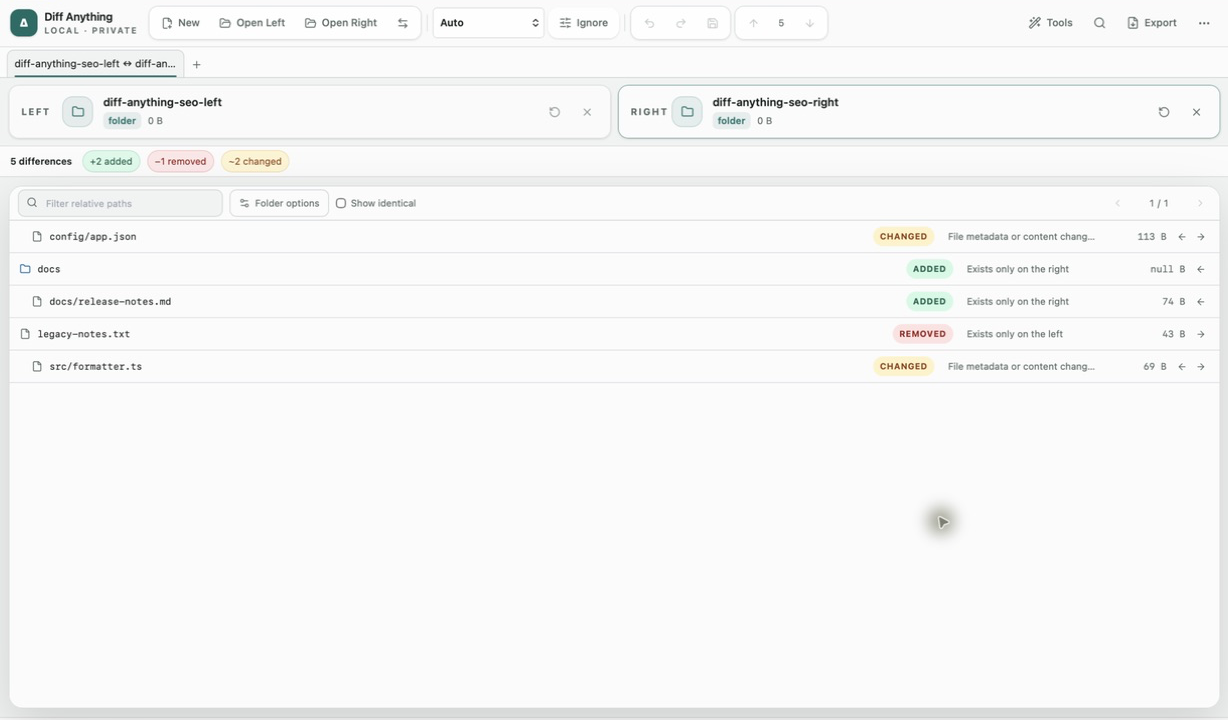
If watch produces noise, narrow the folder scope and ignore generated paths rather than hiding meaningful changes globally.
Free & Pro: what’s included
Available on the Mac App Store and Microsoft Store. Free desktop use lets you try every comparison engine for files up to 5 MiB per side and 10 new comparison sessions per local day; collection previews show the first 100 items and PDF previews show the first 3 pages. The free CLI supports text and JSON. A one-time Pro purchase removes the preview and session limits and unlocks larger sources within technical limits, saved profiles and history, report export, three-way merge, folder synchronization, batch manifests, trusted preprocessors, and every CLI mode.