Use the versioned profile package
The current profile export carries app identity, app-link configuration, deep links, text and URL share-fixture content, file-fixture metadata, scenarios, notification templates, and non-secret push-setup metadata in a versioned JSON package.
It is intended for reproducible setup, not for backing up credentials, push logs, run history, or scenario evidence files.
Import on the same platform
A package contains the deep links, scenarios, and push setups that apply to the platform it was exported on. Import it on a device running the same operating system: deep links and scenarios from an iOS export are not imported on Android, and Android ones are not imported on iOS.
APNs setups and targets are available only on iOS, so an Android import skips them.
Understand what stays behind
Provider credentials, sensitive target-token values, secure-store references, push delivery logs, and share-fixture file contents are deliberately omitted. Imported file fixtures retain their name and type metadata but require the local file to be selected again.
Removing secrets and files from the package prevents an import file from becoming a portable credential or document store.
Import and restore locally
Review the incoming profile, then import it on the destination device. Imported push setups remain disabled until you add the provider credential again, and imported push targets need their device token before they can be used.
Open representative deep links and review profile identifiers before relying on imported scenarios.
Retire stale data
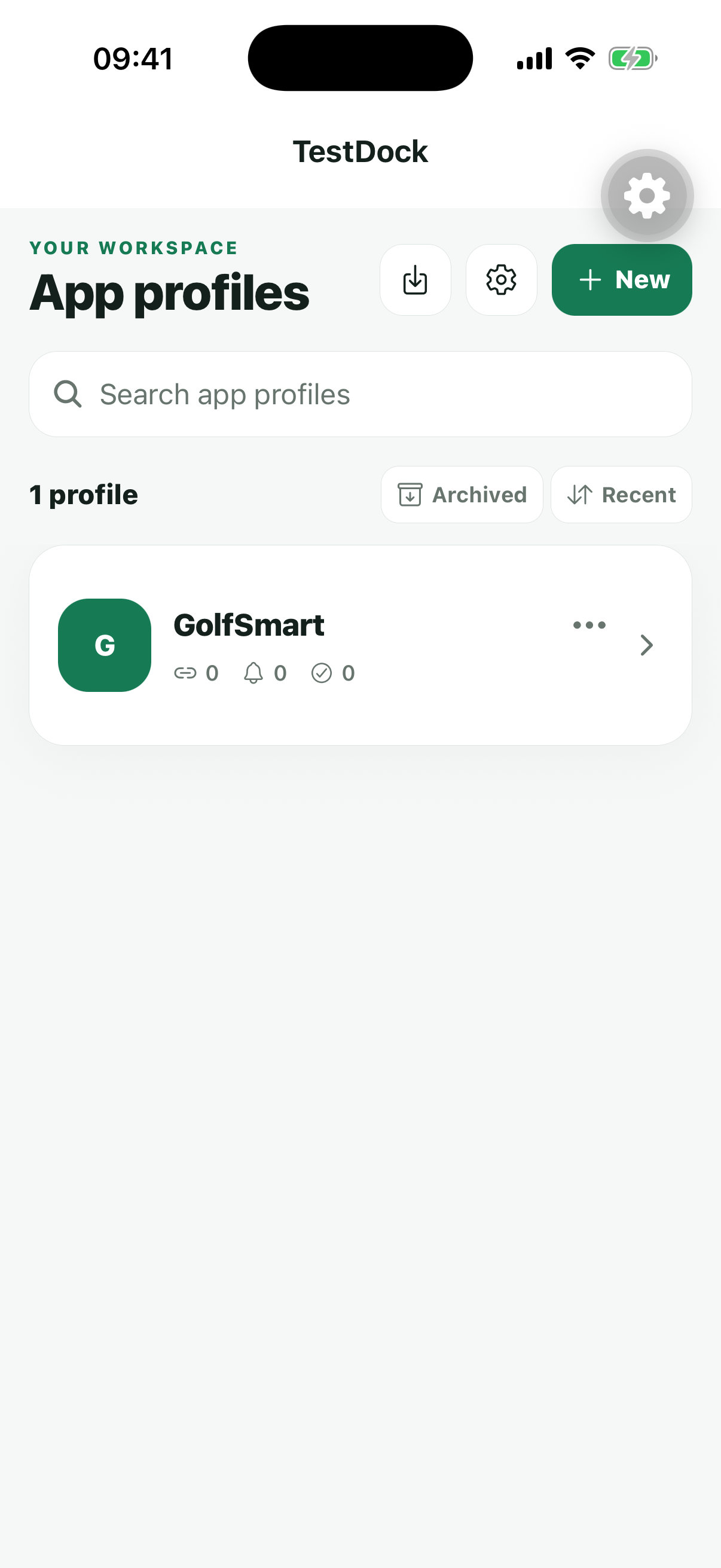
Archive or remove profiles that no longer represent an installed app or active test target. Delete transfer packages once they are no longer needed, because app identifiers, routes, and test names may still be sensitive.
Deleting an export does not delete the local profile, and deleting a profile should also remove its associated secure values after confirmation.
Free & Pro: what’s included
Available on the App Store and Google Play. Free includes one app profile with unlimited saved links, Quick open, Paste, sharing links in, home-screen shortcuts, and the sample scenario plus one scenario of your own. A one-time Pro purchase unlocks unlimited profiles and scenarios, share fixtures, push testing, association inspection, links created from an apple-app-site-association file on iPhone, and profile or scenario import and export.