The problem
Why the usual workflow gets in the way.
An online diff service must receive the content submitted for comparison. If its retention, request logging, backups, access controls, jurisdiction, or subprocessors are not clear, you cannot independently verify where additional copies may exist or how long they remain. Source code, environment files, logs, customer exports, and unreleased documents can contain secrets or private context that was never meant to leave the computer.
The solution
How Diff Anything handles it.
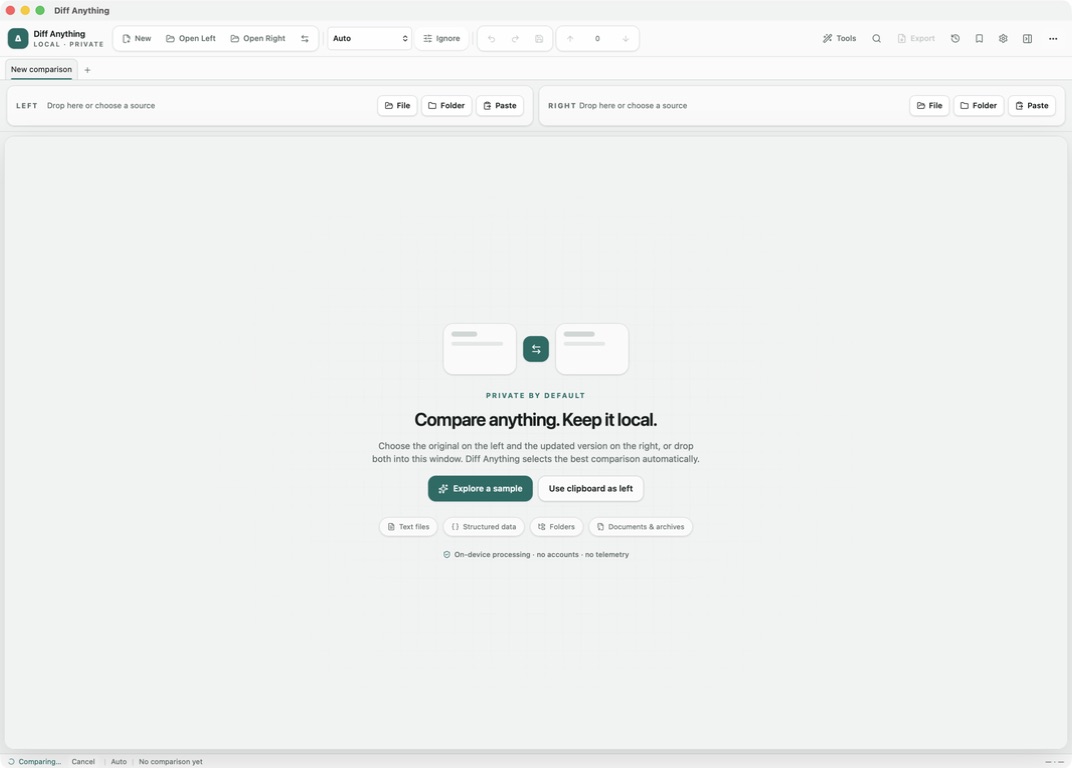
Diff Anything performs comparisons locally on macOS and Windows and the comparison engine works without an internet connection. Compared files and pasted content are not sent to a cloud comparison service, and the app has no account, analytics, or telemetry. Store builds may separately contact the platform store for product, purchase, and entitlement checks—not to process comparison content.
01 / Workflow detail
An online comparison creates another copy and another trust boundary
A browser-based comparison cannot process content it never receives. Even when a page says that it does not save files, the submitted text or document still crosses the network and is handled by infrastructure outside your computer.
That matters because diffs often contain more than the line you intended to inspect: nearby source code, environment names, internal URLs, customer records, contract wording, filenames, and unreleased product details can all travel with the comparison.
- Transmission to the provider
- Temporary processing and request logs
- Backups, observability systems, and support access
- Hosting providers and other subprocessors
02 / Workflow detail
HTTPS protects the trip, not the destination
Transport encryption is important, but it only protects content while it moves between the browser and the service. The service still has to process the readable input after it arrives.
An online diff tool may be operated safely, but you cannot know that from the upload page or a privacy promise alone. Unless its server-side operation is independently verifiable, you cannot see whether submitted content enters request logs, monitoring systems, backups, staff-accessible tools, or a subprocessor. Using the service therefore means trusting claims you cannot confirm from the interface.
03 / Workflow detail
Local comparison removes the upload from the workflow
Diff Anything reads and compares the selected sources on the Mac or Windows computer running the app. The comparison engine works offline and has no account, cloud comparison service, analytics, or telemetry, so comparison content is not sent to a Diff Anything server.
Local processing is not permission to share carelessly: exported reports can still contain sensitive material. Review an export before sending it, and prefer a synthetic reproduction when asking someone else for help.
04 / Workflow detail
The store connection has a narrow, separate purpose
Signed store builds may contact the Mac App Store or Microsoft Store for product information, purchases, and entitlement checks. Those requests establish access to paid features; they do not send the files, pasted text, folders, images, or documents being compared.
That distinction keeps the privacy claim exact: the app is not necessarily offline at every moment, but the comparison itself is local and has no cloud processing dependency.