Problem solved by DevDock
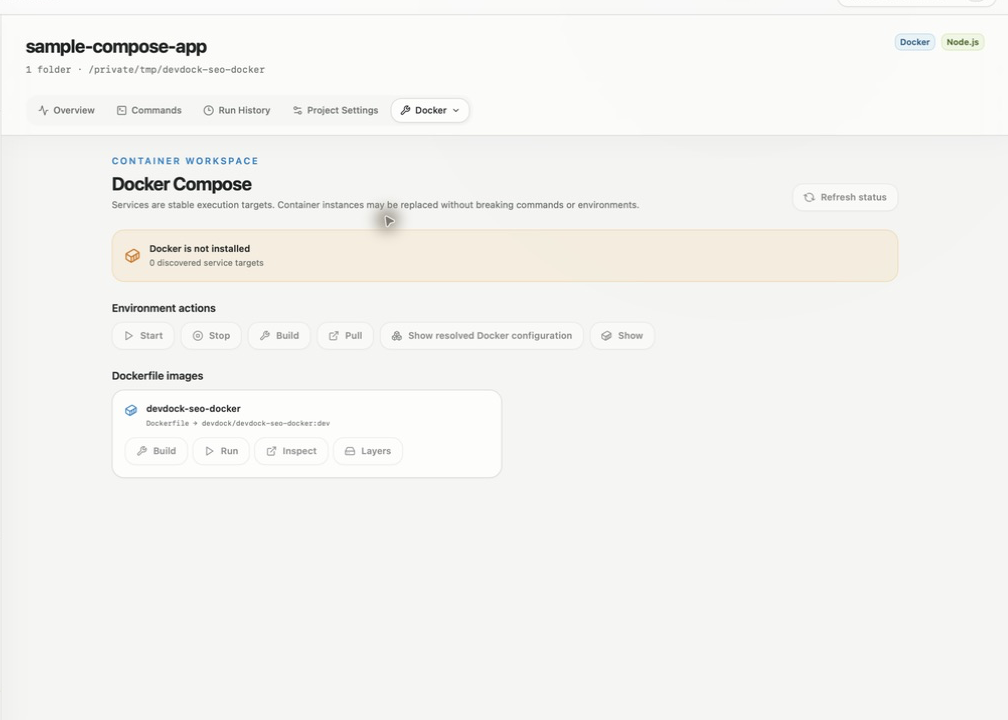
See Docker Compose in the context of the project
Review Compose services, ports, health, and host-versus-container commands from a local Windows development workspace.
See it in the app
A focused workflow, on your computer.
Local project data, operating-system secret storage, read-only local audits, and no source upload.
The problem
Why the usual workflow gets in the way.
Compose commands can start the environment, but they do not provide one durable view of the repository, service health, published ports, and the tasks that run on the host or inside a container.
The solution
How DevDock handles it.
DevDock reads the project’s Compose configuration and brings service state, health, ports, and explicit execution targets into the same workspace as the rest of the project.
Three short steps
From source to answer.
- 01
Register the project containing the Compose file.
- 02
Review detected services and runtime health.
- 03
Run saved host or container tasks explicitly.
Available for Windows