01 / Project re-entry
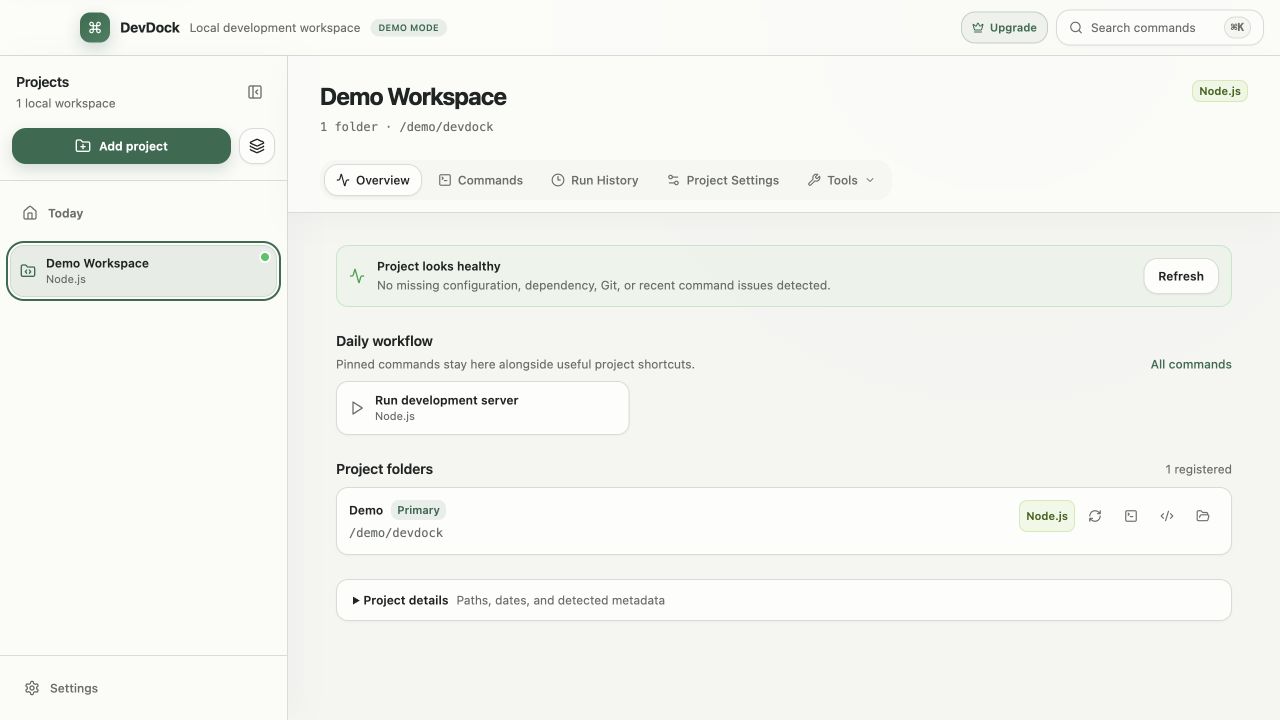
Define the real project boundary
Start with the unit of work you think about and ship together. That may be one repository, a monorepo, or several separately located folders; projects with more than one folder require Pro. Give related folders role-based labels so similar commands remain distinguishable.
Do not move or flatten repositories just to create an overview. The useful boundary is the one that preserves each folder's real working directory while keeping the product workflow understandable.
- Use one project for folders that contribute to the same product workflow.
- Split independently owned or released codebases.
- Name folder roles such as Backend, Web, Mobile, or Infrastructure.
02 / Project re-entry
Capture the path back to useful work
Record the recurring servers, workers, watchers, tests, and setup tasks with their exact working directories and execution targets. Put dependent steps into an intentional order instead of relying on terminal history.
A return path is useful only when it remains reviewable. Keep executable, arguments, working directory, and host-or-container target visible before a command starts.
- Prefer bounded commands for the first readiness check.
- Keep folder-specific tasks attached to their folder.
- Review consequential commands before execution.
03 / Project re-entry
Separate detected context from current health
Recognizing a framework or manifest does not prove that its SDK, executable, Docker engine, or dependent service is currently available. Review configuration, toolchain, Git, Docker, and recent-run evidence separately.
When a command fails, preserve the exact task, directory, target, exit state, and output. Run history keeps that record, so you can review the failure beside earlier runs instead of reconstructing it from memory.