01 / Repeatable commands
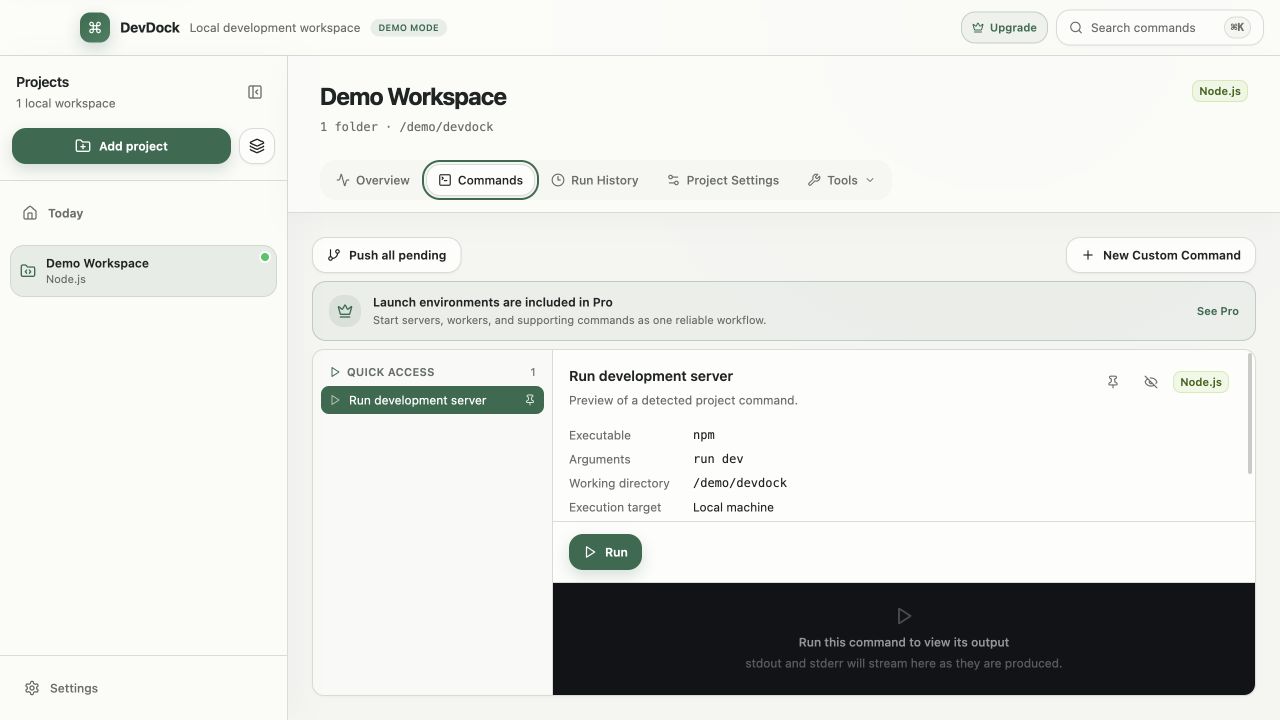
Record more than the command text
The same executable can behave differently from another folder or execution environment. Save the executable, arguments, working directory, and host-or-container target together so the task has enough context to be reviewed later.
Use clear names when several repositories expose similar Test, Build, or Start commands. A role-specific name keeps the task understandable from the project overview and history.
- Keep secrets out of visible arguments.
- Make working directories explicit.
- Use confirmation levels that match the command's impact.
02 / Repeatable commands
Treat multi-process work as an ordered workflow
A local environment may need infrastructure, an API, a frontend, and one or more workers. Express that dependency order intentionally and add readiness checks where a process needs time before the next step can begin.
Host and container commands should remain visibly different. A workflow can coordinate them without pretending they share the same filesystem or environment.
- Start dependencies before consumers.
- Use loopback readiness checks for local services.
- Stop long-running work deliberately.
03 / Repeatable commands
Use retained output as diagnostic evidence
When a run fails, begin with its exit state, duration, target, working directory, and first meaningful error. Compare it with the last successful execution before changing the command or environment.
Run history is operational recall, not permanent archival. Move durable, non-secret evidence into the project's normal issue or documentation workflow when it must outlive the configured retention window.