The local-first boundary
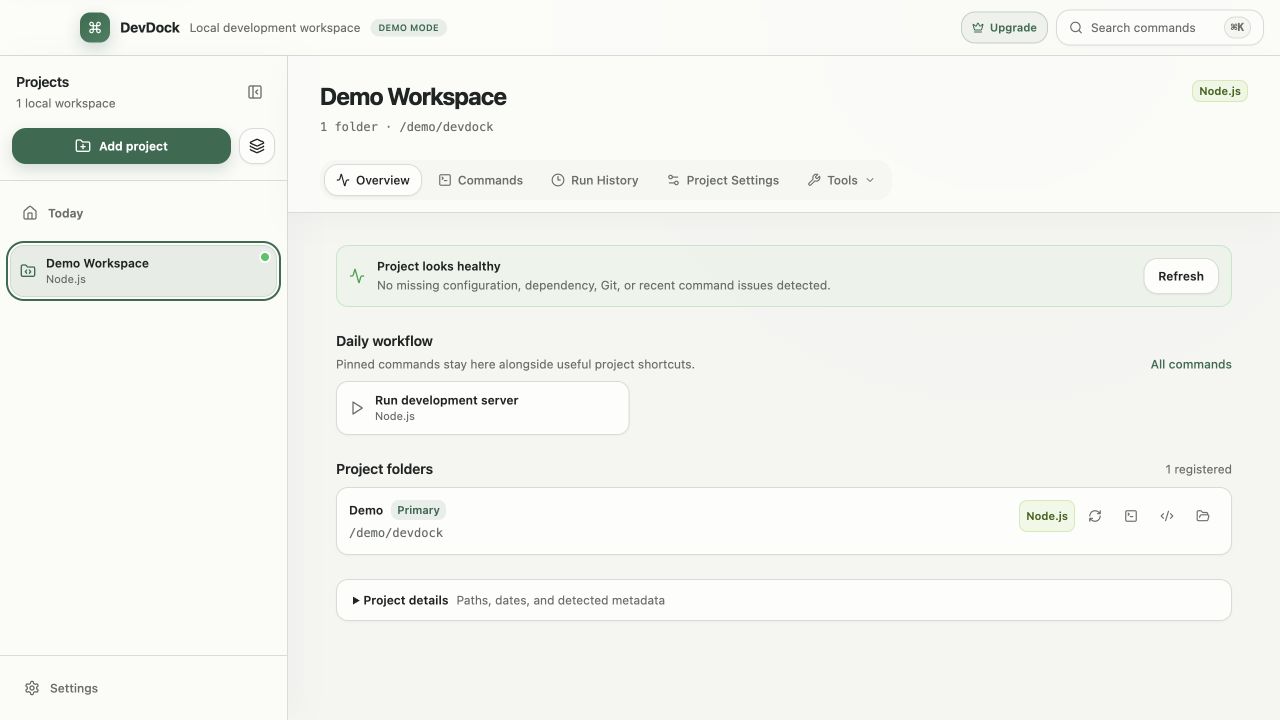
DevDock works with local project folders and keeps project records on the computer. It does not require source upload to provide project detection, commands, health, shortcuts, or run history.
Network activity performed by a command belongs to that command and its underlying tool. DevDock's local-first model does not turn an npm install, Docker pull, or application request into an offline operation.
- Detection itself does not make network requests.
- Repository files remain in their original locations.
- Commands retain the behavior of the tools they invoke.
What detection reads
Detection reads a bounded set of manifests, build files, marker paths, and relevant repository metadata. It does not execute package managers, project scripts, build tools, or the application to decide what a folder contains.
Repository extensions are also constrained to marker paths below the registered folder. This makes the detection surface reviewable and keeps registration from becoming an implicit code-execution event.
Project records and source files
A DevDock project stores the workspace identity, folder references, detected context, saved commands, settings, and managed history needed to restore the experience. Source files remain owned by their existing folders and version-control workflow.
Removing a project from DevDock removes its registration and associated managed records; it does not delete the registered repositories. Files created by commands remain the responsibility of those commands and the project.
How secret task values are protected
Secret values used by custom tasks are stored through Windows Credential Manager. Ordinary project data retains the reference needed to request the value when the task runs rather than storing the secret alongside task metadata.
Protection at rest does not make unsafe command output safe. Avoid commands that echo secrets, and review visible output before sharing logs or screenshots.
- Use secret inputs only for values that truly require them.
- Do not duplicate credentials in task descriptions or notes.
- Remove unused secret values when a task is retired.
Run history and retention
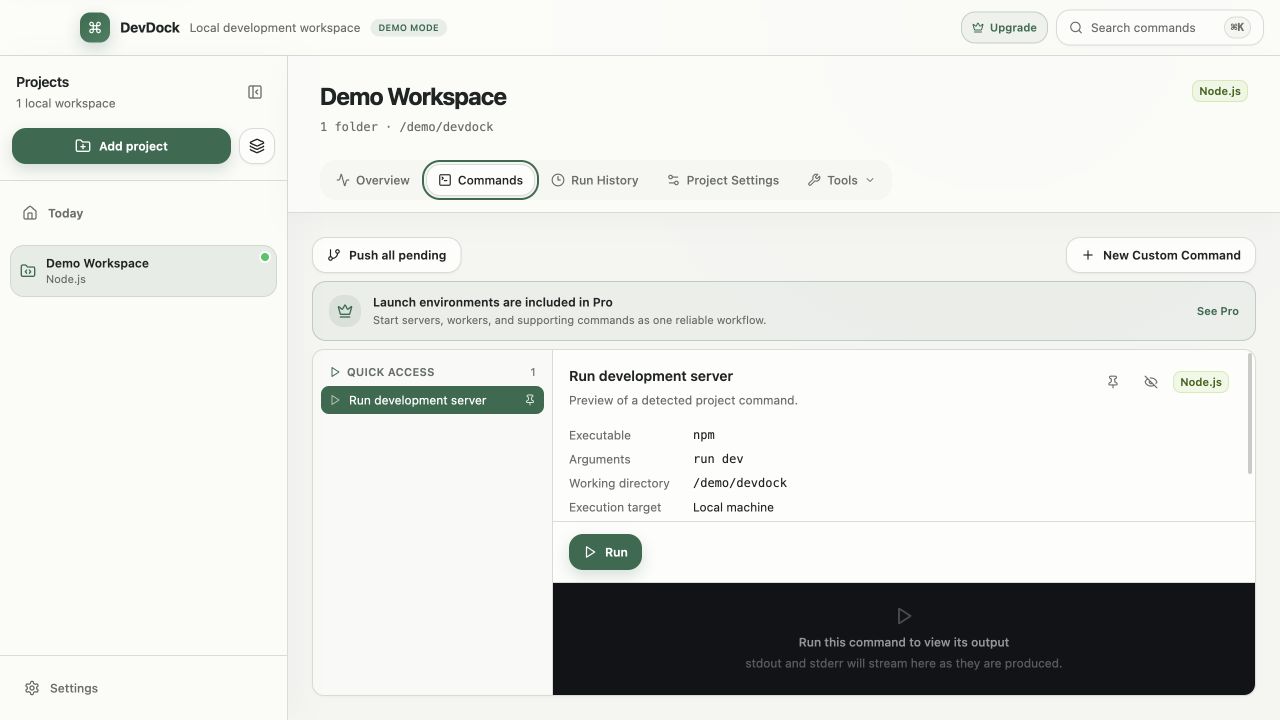
Managed history preserves command identity, timing, status, target context, and retained output according to the application's settings. Its purpose is operational recall and troubleshooting, not permanent archival.
Choose a retention level appropriate for the sensitivity and volume of the project. Clear managed history when it is no longer useful, and move durable non-secret evidence into the product's normal documentation or issue system.
Removing and resetting data safely
Before removing a project, confirm whether its saved commands, workflow definitions, or run history contain context you still need. Removing the registration does not serve as a source-code deletion or repository cleanup tool.
For troubleshooting, prefer targeted actions: rescan detection, remove an obsolete task, clear managed history, or update a moved folder. A full local-data reset should be a deliberate last resort because it removes the organizational context DevDock was created to preserve.
- Back up project-owned configuration through the repository's normal version control.
- Treat secure-store cleanup separately from deleting ordinary task metadata.
- Verify folder paths after moving or restoring repositories.
Free & Pro: what’s included
Available on the Microsoft Store. Free for up to three local projects with core commands, Git, Docker, project health checks, and security-audit tools. A one-time Pro purchase unlocks unlimited and multi-folder projects, custom workflows, full history and insights, database tools, SSH transfers, and configuration backup and restore.