Start with the review question
Choose a mode based on what must remain meaningful. Plain text is correct when formatting and exact lines matter; a semantic mode is better when keys, values, rows, types, or compatibility matter more than source layout.
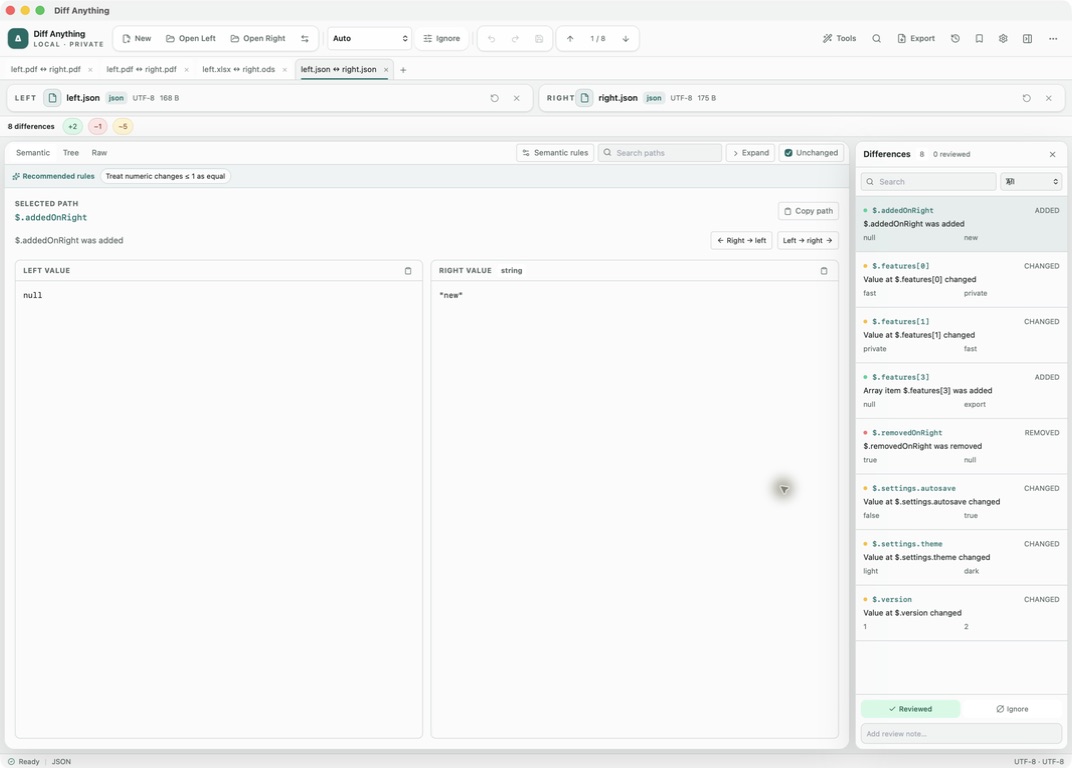
The same two files can support different questions. A JSON text diff explains formatting changes, while semantic JSON explains changed paths and typed values. Spreadsheet comparison answers whether stored cell values match across workbook formats; it does not compare formulas or presentation.
- Use text for source formatting and prose.
- Use structured modes for data meaning.
- Use spreadsheet comparison for stored values across Excel, OpenDocument, and Apple Numbers workbooks.
- Use folder mode for directory trees and archive mode for container contents.
- Use image mode for rendered visual output.
Choose and load sources
Open files or folders, paste content, or, with Pro, load a saved profile. Confirm left and right orientation before applying any change or copy action.
Source loading reports unreadable input rather than silently comparing empty content. Pasted input has no filename, so an explicit mode may be clearer.
How automatic mode resolves
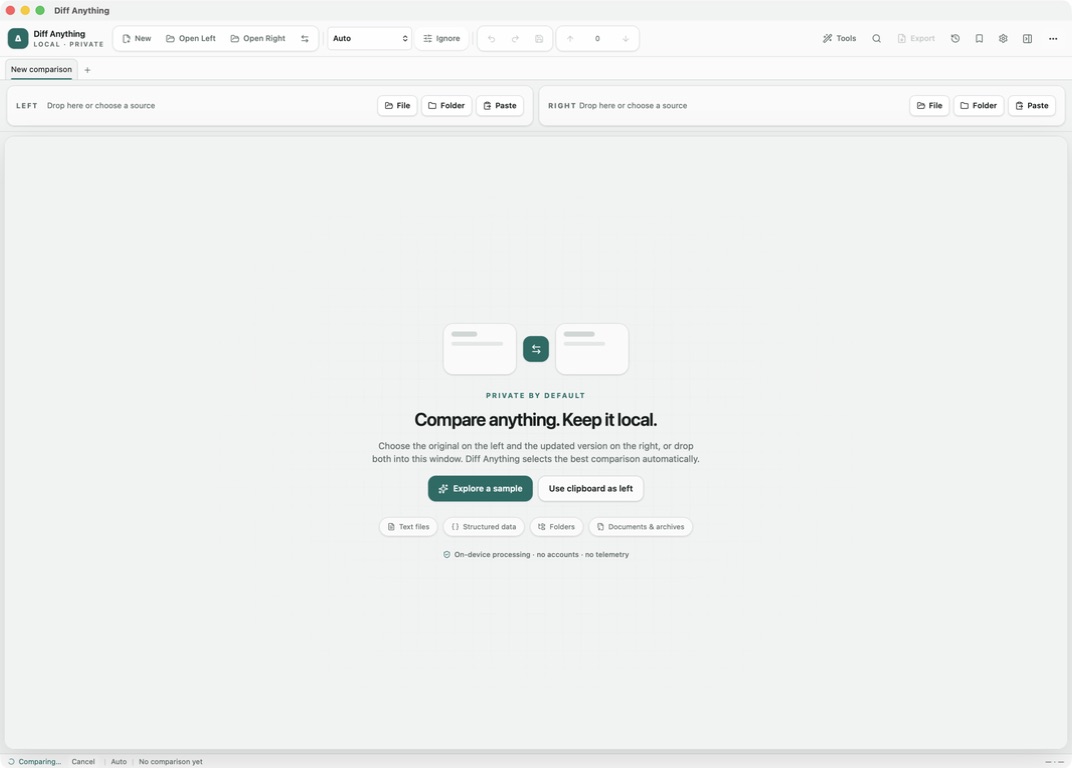
Auto examines both detected formats. Compatible spreadsheet formats can share the stored-value comparison even when their extensions differ, matching structured formats take priority, two folders resolve to folder mode, and other compatible content falls back to text.
Choose an explicit mode when an extension is misleading, content is pasted, or the review needs a specific semantic interpretation.
Read text and structured results
Text results retain normalized sources, line changes, navigation targets, totals, and the ignore settings needed to reproduce the comparison.
Structured results expose a stable path, change type, typed values, severity, and human-readable explanation for each difference.
- Use keyed arrays when identity comes from a field.
- Use unordered arrays when member order has no meaning.
- Apply numeric tolerance only to paths where small variation is expected.
Compare spreadsheets across formats
Open any two XLS/XLA, XLSX/XLSM/XLAM, XLSB, ODS, or Apple Numbers workbooks. The two extensions do not need to match: sheets and cell coordinates provide the common model. A CSV or TSV file opened beside a workbook is compared by cell values with one sheet of it, the first by default; Compare with sheet picks another, and a note names the sheet used.
Use the sheet selector and aligned grids to inspect stored values, then select a changed cell to connect it with the Differences pane. Populated rows and columns are virtualized for large ranges.
- Stored cell values are compared.
- Formulas, formatting, charts, macros, and workbook layout are not compared.
- Use the original spreadsheet applications when those excluded properties matter.
Choose Smart Diff or Line Diff for code
For source code, Diff Anything detects the language from an explicit override, recognized filename or extension, content markers, and shebangs. Pasted or extensionless code can still receive highlighting when the content provides a conservative signal.
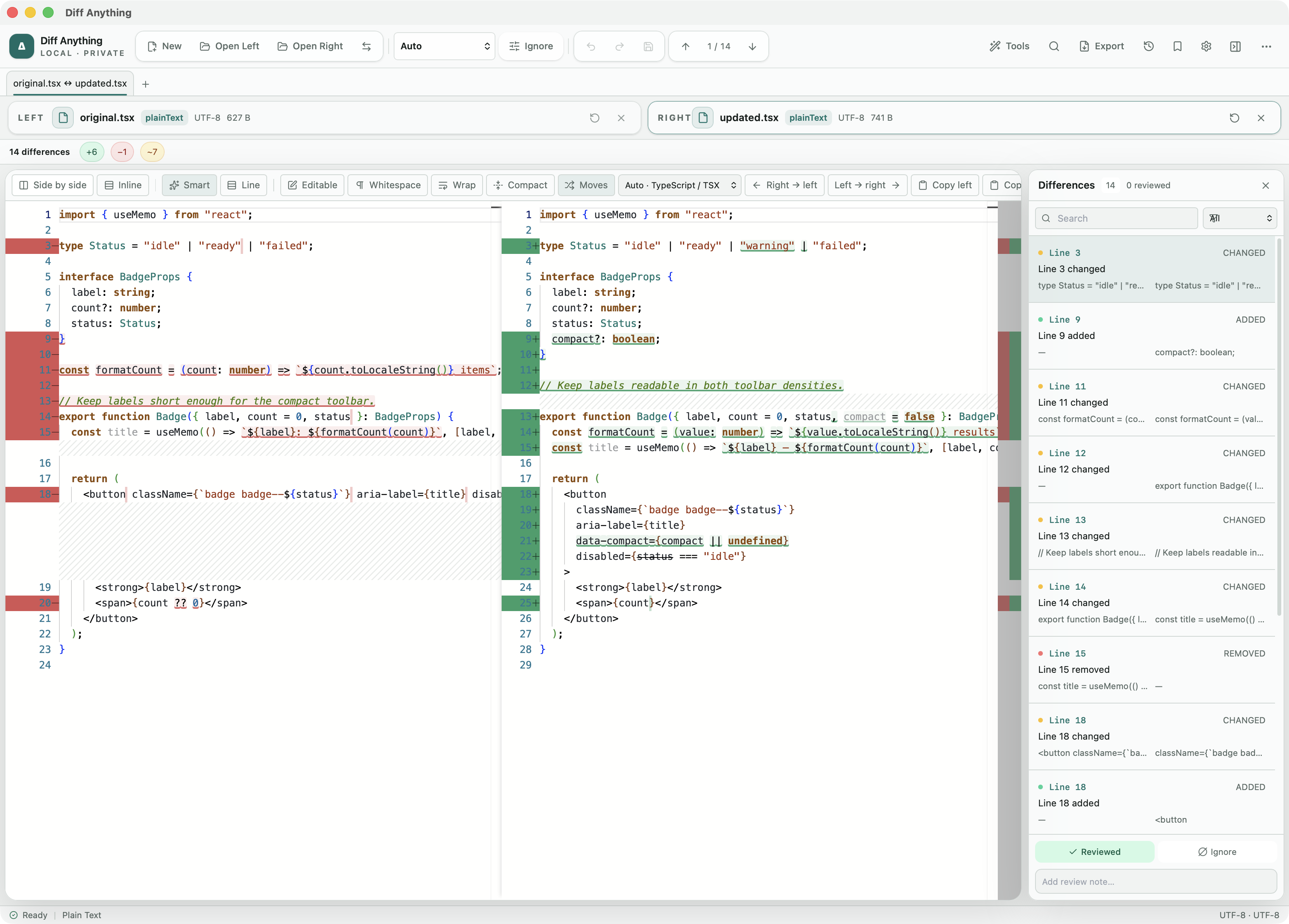
Smart Diff aligns language-aware tokens and can suppress safe layout-only edits while preserving indentation-sensitive blocks, statement newlines, strings, comments, and exact token changes. It is available for all 117 non-plain-text editor languages. Line Diff remains beside it for conventional, lossless line-by-line review, editing, and apply operations; neither view claims an abstract-syntax-tree comparison.
- Switch views without reloading either source.
- Override the detected language when a file is intentionally unusual.
- Use moved-block detection and compact context to follow structural edits.
- Keep wrapping enabled when generated code or data contains long lines.
Resolve a three-way merge
For text sources with a shared starting point, open the Pro merge workspace and choose the common Base while the current left and right sources become Ours and Theirs. The workspace compares each side against Base and can focus the source views on changed lines.
Independent line changes combine automatically, as do edits to separate words of the same line, with at least one unchanged word between them. Any other same-line change is a conflict, so the merge never invents a value from parts of both sides. For competing edits, navigate each conflict and choose Ours, Theirs, Ours then Theirs, Theirs then Ours, or Base; bulk side choices and Reset make larger reviews reversible. The merged result remains editable and cannot be used while unresolved conflict markers remain.
- Confirm that Base is the true common ancestor.
- Review automatically combined edits as well as explicit conflicts.
- Resolve every remaining marker before using the merged result.
Recover from input problems
Parser errors include concise context and technical detail; JSON failures include line and column. Some engines can return partial results with warnings, while unreadable sources never become valid active inputs.
Fix the source or choose the correct explicit mode rather than weakening the comparison until malformed data appears valid.
Free & Pro: what’s included
Available on the Mac App Store and Microsoft Store. Free desktop use lets you try every comparison engine for files up to 5 MiB per side and 10 new comparison sessions per local day; collection previews show the first 100 items and PDF previews show the first 3 pages. The free CLI supports text and JSON. A one-time Pro purchase removes the preview and session limits and unlocks larger sources within technical limits, saved profiles and history, report export, three-way merge, folder synchronization, batch manifests, trusted preprocessors, and every CLI mode.