What stays local
Compared files and pasted content remain on the computer. Diff Anything has no account, cloud comparison service, analytics, or telemetry.
Exporting a report or invoking an external workflow is an explicit user action. Review generated reports before sharing them.
Handle sensitive values
Use masking rules for known secret paths while preserving enough structure to compare meaning. Do not paste a sensitive report into a support request merely because the original files stayed local.
Create a minimal synthetic reproduction when possible.
Resolve parser and mode errors
Confirm both sources are readable and genuinely match the selected mode. Use reported line and column context for structured parse failures.
If Auto chooses an unhelpful fallback, select the intended explicit mode rather than renaming files to manipulate detection.
Recover folder synchronization
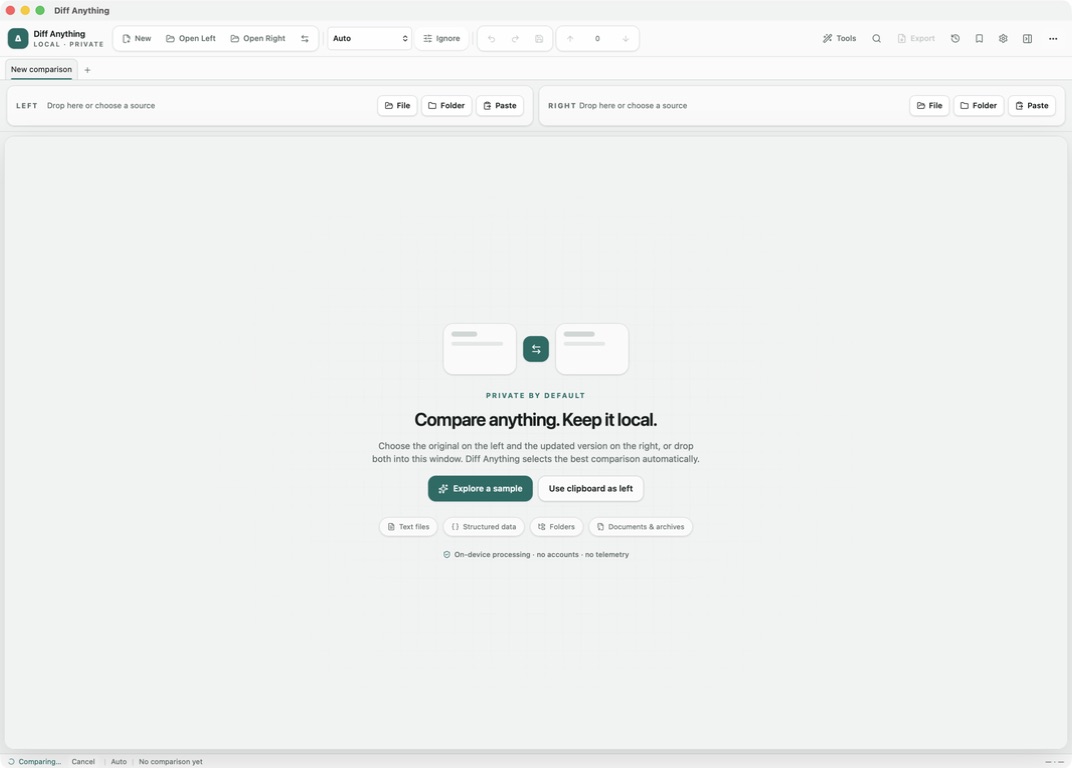
Review the completed synchronization banner and verify the destination before starting another operation. Use one-click undo promptly when the reviewed plan produced the wrong result.
The operation records durable recovery information and uses restart-safe rollback after incomplete work. Undo after success is a separate recovery path, not a substitute for checking direction and every create, update, delete, and move action before confirmation.
- Confirm direction.
- Review create, update, delete, and move actions.
- Keep both roots available until verification is complete.
Explain unexpected results
Record the application version, source types, selected mode, active profile, relevant ignore rules, and the smallest non-sensitive example that reproduces the issue.
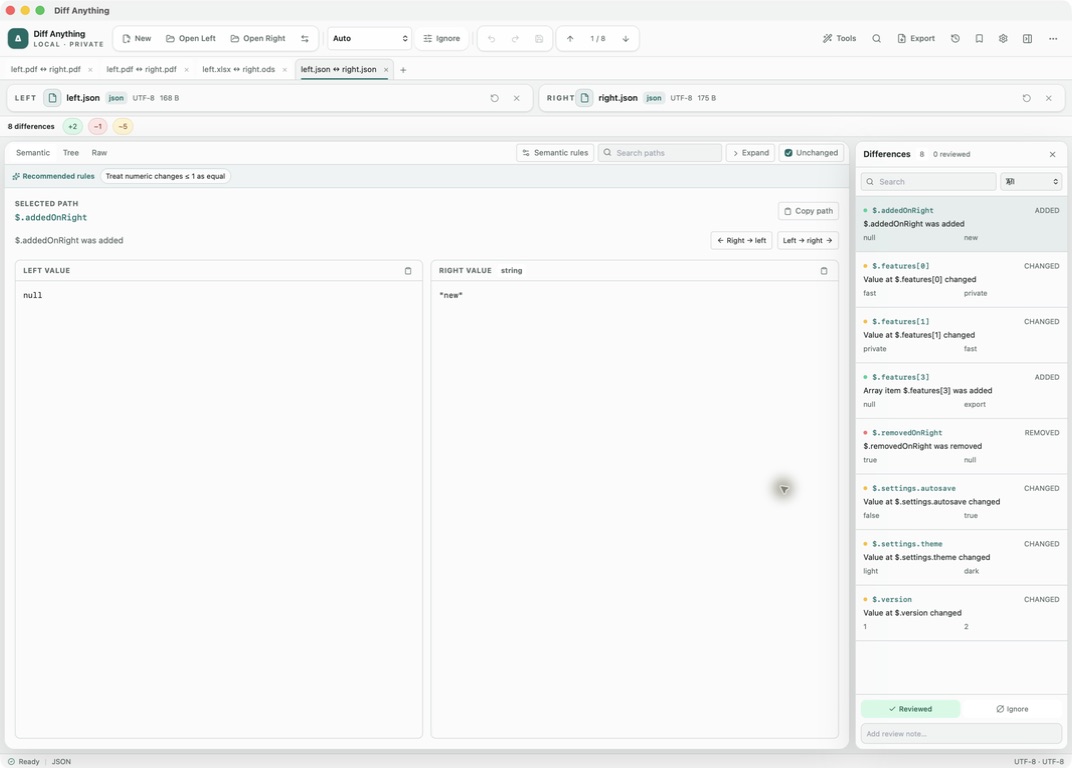
For image results, include dimensions and threshold; for structured data, include the stable path and typed values; for folders, include the relevant relative paths.
Reset only what is necessary
Remove an invalid profile, stale recent item, or obsolete snapshot before considering a broader local-data reset. Source files remain separate from application history and profiles.
A troubleshooting reset should not become a file-deletion workflow. Back up any review configuration you expect to reuse.
Free & Pro: what’s included
Available on the Mac App Store and Microsoft Store. Free desktop use lets you try every comparison engine for files up to 5 MiB per side and 10 new comparison sessions per local day; collection previews show the first 100 items and PDF previews show the first 3 pages. The free CLI supports text and JSON. A one-time Pro purchase removes the preview and session limits and unlocks larger sources within technical limits, saved profiles and history, report export, three-way merge, folder synchronization, batch manifests, trusted preprocessors, and every CLI mode.