The job to be done
How does Diff Anything help with private data comparison?
Inspect sensitive local files without uploading their content to a browser service or creating an account.
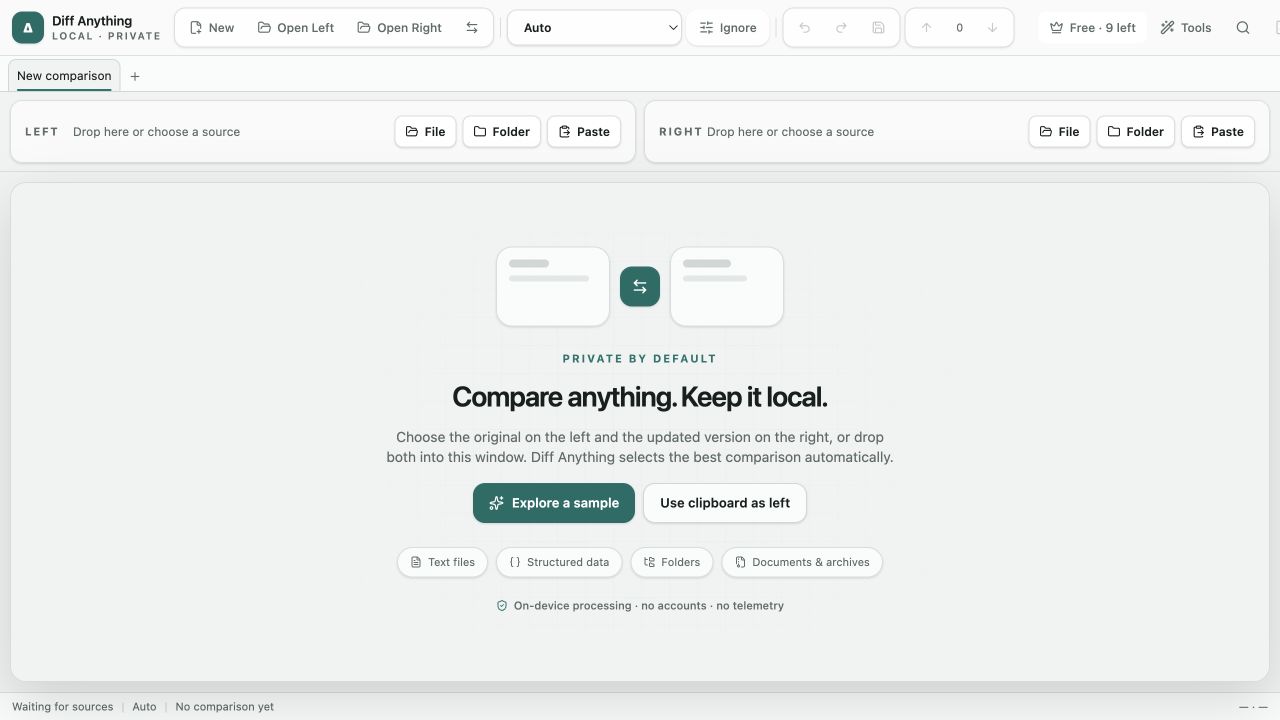
Compared files never leave the computer. There are no accounts, cloud comparison services, or telemetry. Pro keeps recent comparisons, saved profiles, rules, review state, and capped snapshots local, while the CLI and Git difftool make the same comparison model available in scripts and everyday source control.
Recommended path
Choose sources
Open files or folders, paste content, or use Pro to load a saved profile with known options.
Diff Anything keeps the source pair, selected mode, comparison rules, result, and review state together so the same decision can be revisited or automated.
Capabilities involved
The parts of Diff Anything used here.
Related manual
Privacy, safety, and troubleshooting
Understand the local comparison boundary, recover from input and copy problems, and prepare useful diagnostics without exposing sensitive sources.
Its sections cover what stays local, handle sensitive values, resolve parser and mode errors, recover folder synchronization, explain unexpected results, reset only what is necessary. Use it when you are ready to reproduce this workflow with your own project data.
Read the guideDirect answers
Questions about this use case.
How does Diff Anything help with private data comparison?
Inspect sensitive local files without uploading their content to a browser service or creating an account. The recommended path starts with choose sources and uses language-aware code comparison, environment and http comparison, local review workspace.
Do compared files leave the computer?
No. Comparison is local. The application has no account, cloud comparison service, analytics, or telemetry.
How does automatic mode choose a comparison?
Matching structured formats use their semantic engine, two folders use folder comparison, and other compatible inputs fall back to text. You can always choose a concrete mode.