Capability overview
How can I use portable non-secret profiles in TestDock?
With Pro, export and import versioned profiles between devices on the same platform. Deep links and scenarios from an iOS export are not imported on Android, and Android ones are not imported on iOS; APNs setups and targets are skipped on Android. Credentials, device tokens, and delivery logs stay on the device, and imported push setups remain disabled until restored.
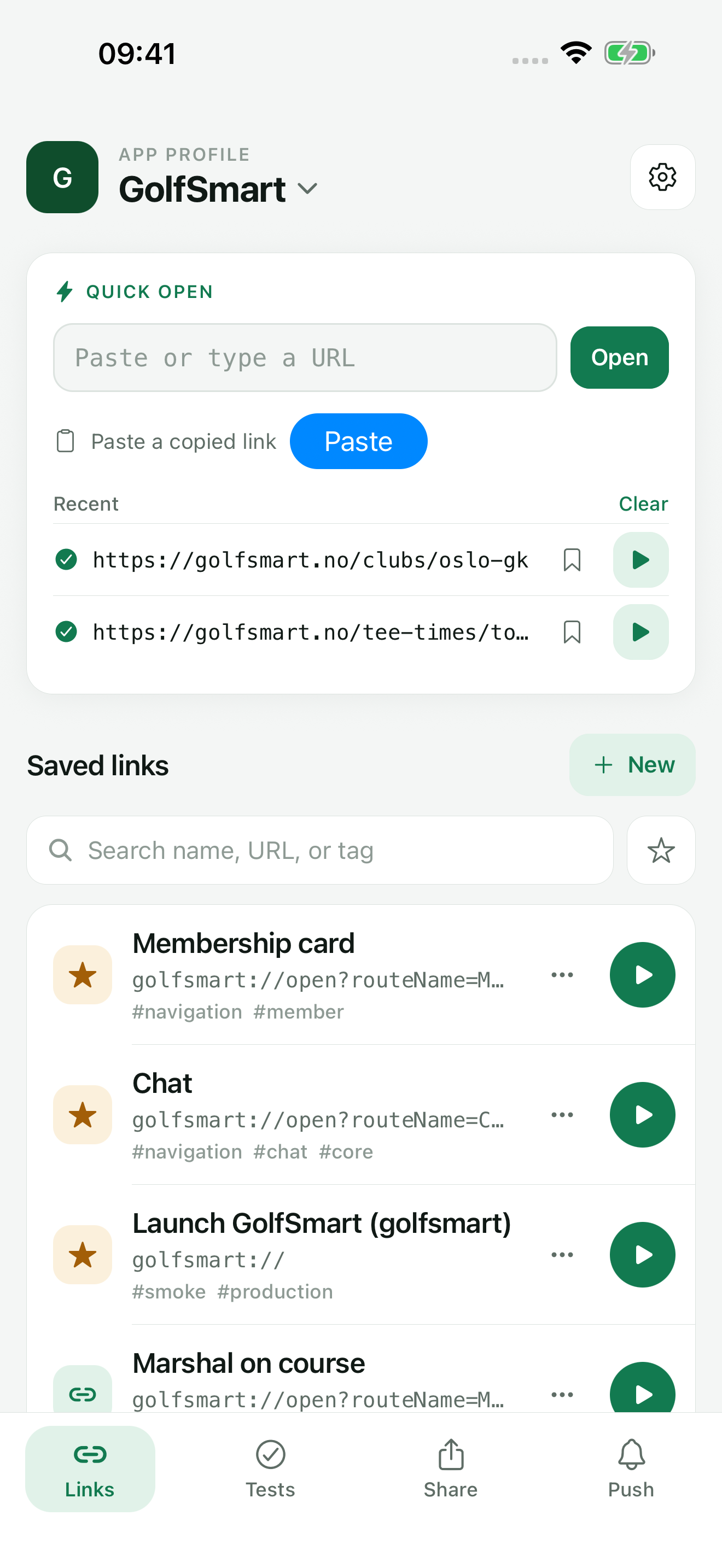
Keep your mobile app’s test links together and open them on the device where your app runs. Paste or type any URL to open it right away, share a link in from Slack, Mail, or Safari, and save the routes you check often so the next test starts with the right input.
What is exported
A JSON file with the reusable parts of a profile
Share Profile File on the App profile screen builds a versioned JSON package and opens the share sheet, so you can save the file or send it with any app the sheet offers.
Use it to set up a new test phone, to rebuild a profile after reinstalling TestDock, or to give a teammate the same links and scenarios. Before export, bearer tokens and token, API key, password, or secret query parameters inside step URLs and expected results are replaced with a placeholder.
- App name, color, notes, and the bundle identifier or package name
- Custom URL schemes and the iOS associated domains or Android app-link domains
- Deep links with their defaults, tags, and favorites
- Scenarios and their steps
- Notification templates
- Provider setup settings, such as APNs topic, gateway, and Firebase project ID, and saved target names
- Text and URL share fixtures, plus file fixture names and types
Left out
Secrets, files, and history stay on the original device
Device tokens, provider credentials, push logs, link open history, scenario runs, evidence photos, and share-fixture files are not in the package. Because secrets are left out, you can hand the file to a teammate for setup without giving them push access.
The package is not a backup. App identifiers, routes, and test names can still be sensitive, so delete shared files you no longer need.
Importing
Preview first, then import as new or merge
Import app profile accepts a chosen JSON file or pasted package JSON. Before anything is written, it shows the profile name, schema version, and counts of deep links, scenarios, saved push targets, provider setups, notification templates, and share fixtures, with warnings about what needs restoring.
Import as New App Profile creates a separate profile. Merge into App Profile adds the records to an existing profile and keeps what is already there; items whose names already exist are imported under a distinct name. Merging does not change the profile's schemes or link domains.
After import, provider setups are disabled and saved targets have no token. Enter the credentials and tokens on the new device, set the setup to Active, and choose any file fixtures again.
Across platforms
Move packages between devices on the same platform
Deep links and scenarios in a package belong to the platform they were exported from. Importing an iOS package on Android brings in the profile, custom schemes, notification templates, and share fixtures, but skips the links and scenarios. APNs setups and targets are also skipped on Android.
Export, import, and Duplicate are part of TestDock Pro. Duplicate applies the same rules on one device.
In the workflow
How to use it
Export on the source device
Open the App profile screen, tap Share Profile File, and save or send the JSON file.
Preview on the destination
Open Import app profile, tap Choose JSON file, and review the counts and restore warnings.
Import or merge
Choose Import as New App Profile for a separate profile, or merge the records into an existing one.
Restore local values
Re-enter device tokens and provider credentials, set setups to Active, choose file fixtures again, and open a saved link to confirm the setup.
Useful in practice
When to use it
Related manual
Export and import app profiles
Move reusable non-secret app definitions to another device on the same platform while understanding omitted credentials, logs, and destination setup.
Read the guideDirect answers
Questions about portable non-secret profiles.
Does a profile file include my push credentials?
No. Tokens and provider credentials are never written to the package. Imported setups stay disabled until you enter the credentials again.
Can I share only scenarios instead of the whole profile?
Yes. Use Share Scenario JSON on a scenario, or Share all on the Scenarios screen. The package includes the saved deep links those scenarios use.
Can I import a package from an older TestDock version?
Yes. TestDock reads older package versions and ignores record types it no longer supports. It rejects package versions it does not recognize.
Does merging overwrite anything in my profile?
No. Merging only adds records. Existing links, scenarios, and settings stay as they are, and name clashes get a distinct name.
Free & Pro: what’s included
Available on the App Store and Google Play. Free includes one app profile with unlimited saved links, Quick open, Paste, sharing links in, home-screen shortcuts, and the sample scenario plus one scenario of your own. A one-time Pro purchase unlocks unlimited profiles and scenarios, share fixtures, push testing, association inspection, links created from an apple-app-site-association file on iPhone, and profile or scenario import and export.