Capability overview
How can I use reusable share inputs in TestDock?
With Pro, save text, URL, and local-file fixtures per app profile and open them in the operating system's share sheet.
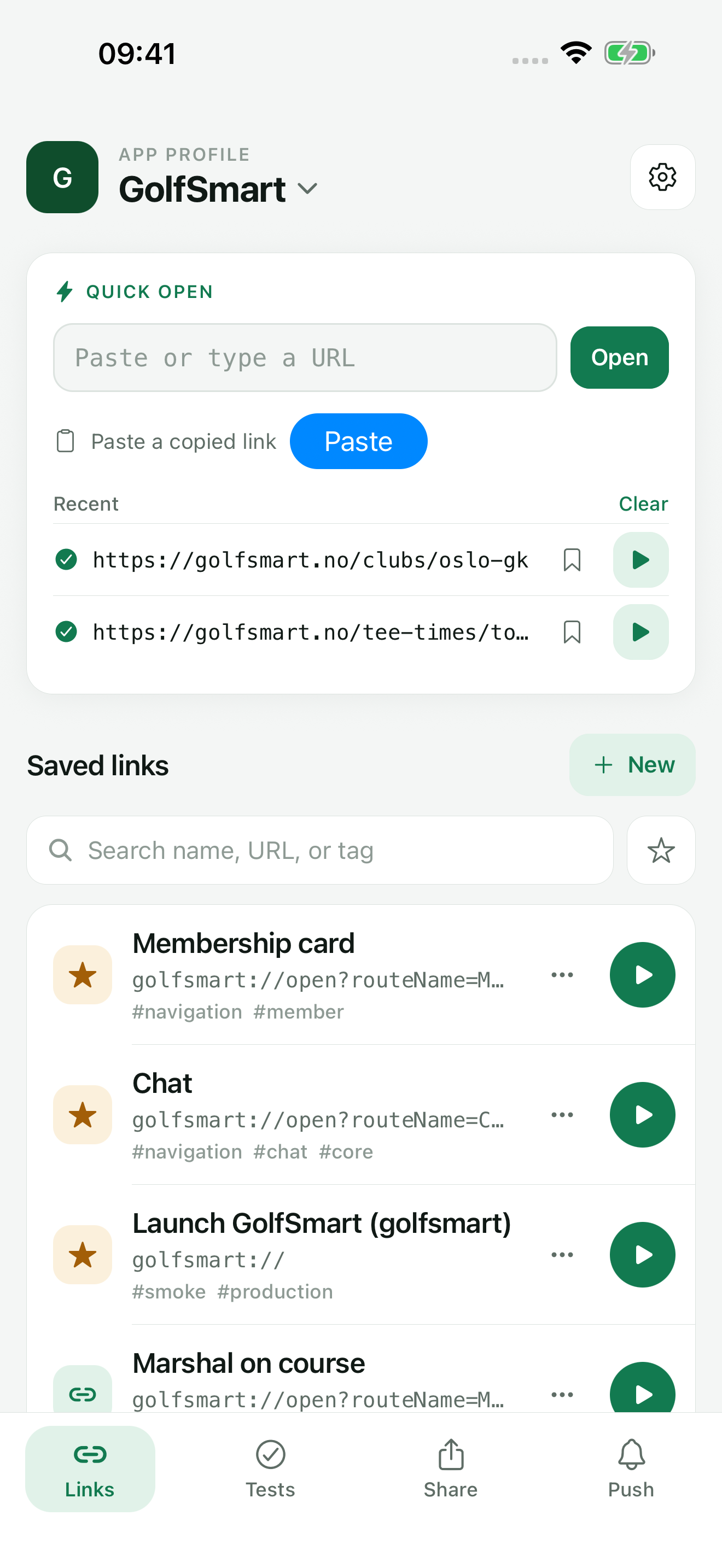
Keep your mobile app’s test links together and open them on the device where your app runs. Paste or type any URL to open it right away, share a link in from Slack, Mail, or Safari, and save the routes you check often so the next test starts with the right input.
Fixture types
Text, URL, and file inputs saved for each app
A share fixture is a named input you want to pass into an app through the share sheet. When you create one, choose Text, URL, or File as the input type. Text fixtures can hold any text. URL fixtures must be a complete http or https address.
For a file fixture, tap Choose file and pick a document. TestDock copies the file into its own storage for that app profile, so the fixture does not depend on the original file staying in place. You can set a MIME type, which the system uses to find compatible receiving apps. On iOS you can also add a Uniform Type Identifier, such as com.adobe.pdf.
Share inputs are part of TestDock Pro.
Limits
What carries over to another device
Text and URL fixtures are included in a Pro profile export and work immediately after import. File fixtures keep their name and type details, but the file itself stays on the original device. After import or duplication, choose the file again before sharing it.
Deleting a fixture also deletes TestDock's copy of its file. Deleting the whole profile removes all of its copied files.
Fixtures are kept per app profile, so inputs for one app never appear in another app's list. Edit a fixture to change its text, URL, or type details, and use Replace file to swap the stored copy for a newer version of the document.
In the workflow
How to use it
Create a fixture
Open the Share tab, tap New fixture, name it, and choose Text, URL, or File.
Add the content
Enter the text or URL, or choose the file and set its MIME type. On iOS, add a Uniform Type Identifier if needed.
Open the share sheet
Tap Open share sheet and select the app under test from the list the system shows.
Check the result
Look at how the target app handled the input and record pass or fail, since TestDock cannot see that step.
Useful in practice
When to use it
Related manual
Set up your first TestDock app profile
Create a persistent profile for an installed mobile app and record the schemes and platform metadata its tests depend on.
Read the guideDirect answers
Questions about reusable share inputs.
Can TestDock send an input straight to my app without the share sheet?
No. TestDock opens the operating system's share sheet, and you choose the receiving app there.
Which file types can I save?
Any file you can pick in the system document picker. The MIME type you set, plus the Uniform Type Identifier on iOS, is passed along when the file is shared.
Why do I have to choose a file again after importing a profile?
Profile packages carry file fixture names and types but not the files. Pick the file on the new device and save the fixture.
Is share-input testing included in the free version?
No. Saved share fixtures are part of the one-time TestDock Pro unlock. Sharing a link into TestDock from another app is free.
Free & Pro: what’s included
Available on the App Store and Google Play. Free includes one app profile with unlimited saved links, Quick open, Paste, sharing links in, home-screen shortcuts, and the sample scenario plus one scenario of your own. A one-time Pro purchase unlocks unlimited profiles and scenarios, share fixtures, push testing, association inspection, links created from an apple-app-site-association file on iPhone, and profile or scenario import and export.