Open a link without saving it
Quick open at the top of the Links tab takes any URL you type or paste and opens it straight away. The last five URLs you opened are listed with whether they opened or failed, and each has a button to save it as a link.
When the clipboard holds text, a Paste button appears; on iPhone it is the system paste button, so there is no Allow Paste prompt. TestDock finds the link in the copied text and opens it. If the text contains two or more links, Save all saves them at once, skips links already saved, and names the new ones for you. You can also share text or a link from Slack, Mail, Safari, or another app into TestDock: the first link arrives in Quick open of your current profile, so create a profile first.
- Long-press the TestDock icon for Quick open and up to three links: favorites first, then the most recently opened.
Create a reusable link
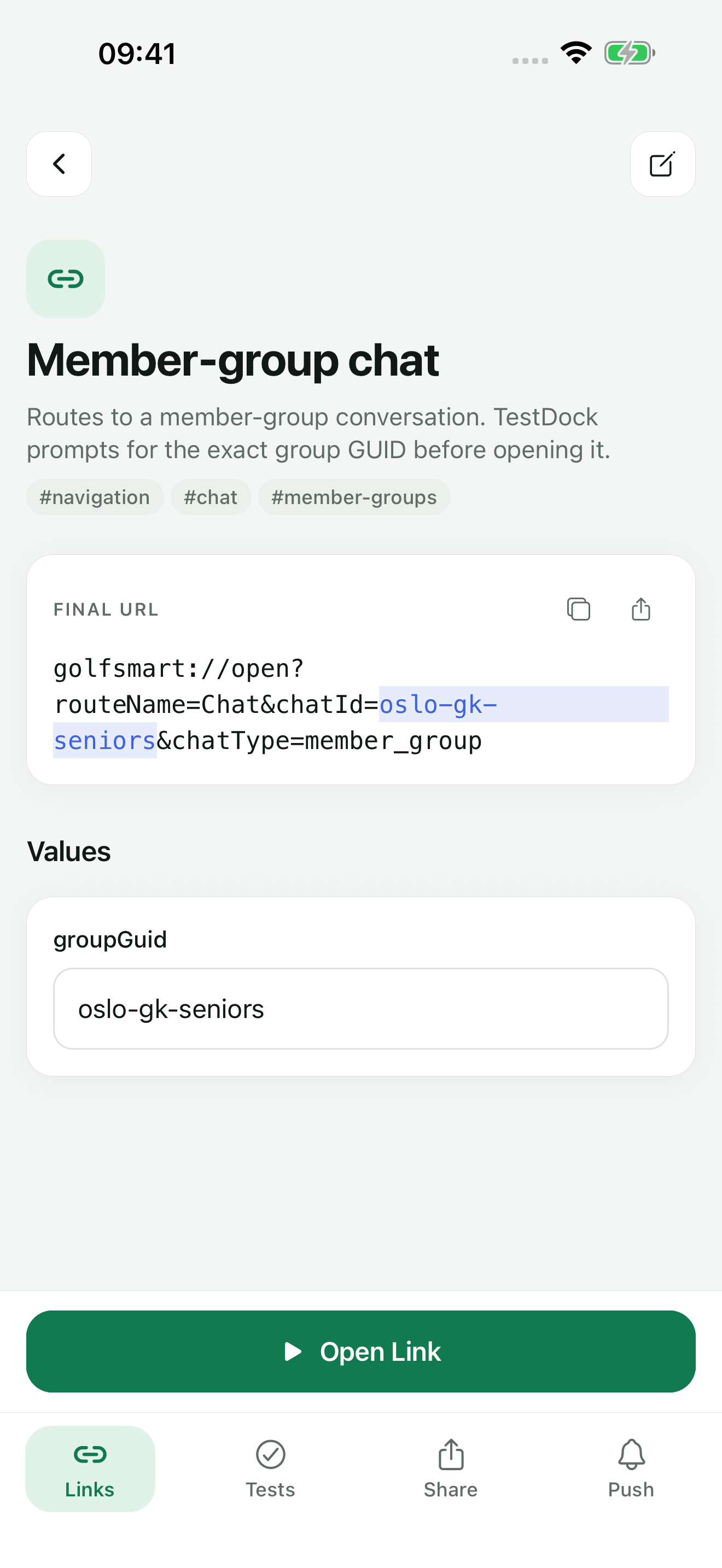
Save a custom-scheme URL, universal link, or Android app link with a descriptive name. Add parameter defaults, tags, and a favorite state when they make repeated testing faster.
Keep several routes in the same app profile so searches and recent history stay scoped to the target app.
Review before opening
Resolve required parameters and inspect the final URL before handing it to the operating system. TestDock records the accepted or rejected open request without claiming that a particular app or screen handled it.
When visual routing matters, record the observed destination in a manual scenario.
Verify app-link configuration
With Pro, use the association inspector for the exact host under test: choose one of the profile's domains or type the host. It checks that the AASA or assetlinks file is reachable over HTTPS, served as JSON without a redirect, and correctly structured; comparing the app IDs, package name, and signing fingerprints in the file with your build is a manual check.
On iPhone, after inspecting an apple-app-site-association file, TestDock lists the paths the file declares for the profile's app. Select the ones you want and save them as links; wildcards in a path become values you fill in. An assetlinks.json file declares no paths, so this is not offered on Android.
A valid association file is necessary configuration evidence, not proof that the installed build routed one specific URL correctly.
Use history deliberately
Recent opens make it easy to repeat a route and compare app behavior after a build change. Keep notes and parameters free of credentials because deep links can appear in operating-system and application logs.
Favorite stable release routes so they stay at the top of the list and on the home-screen shortcuts, and remove obsolete links.
Free & Pro: what’s included
Available on the App Store and Google Play. Free includes one app profile with unlimited saved links, Quick open, Paste, sharing links in, home-screen shortcuts, and the sample scenario plus one scenario of your own. A one-time Pro purchase unlocks unlimited profiles and scenarios, share fixtures, push testing, association inspection, links created from an apple-app-site-association file on iPhone, and profile or scenario import and export.