The job to be done
One product, several repositories, one place to run it
A typical product might have a Laravel API in one repository, a React web client in another and a mobile app in a third. Each has its own manifest, test command, dev server and Git branch. A feature that touches all three means three terminals, three sets of commands to remember and three repositories to check before you push.
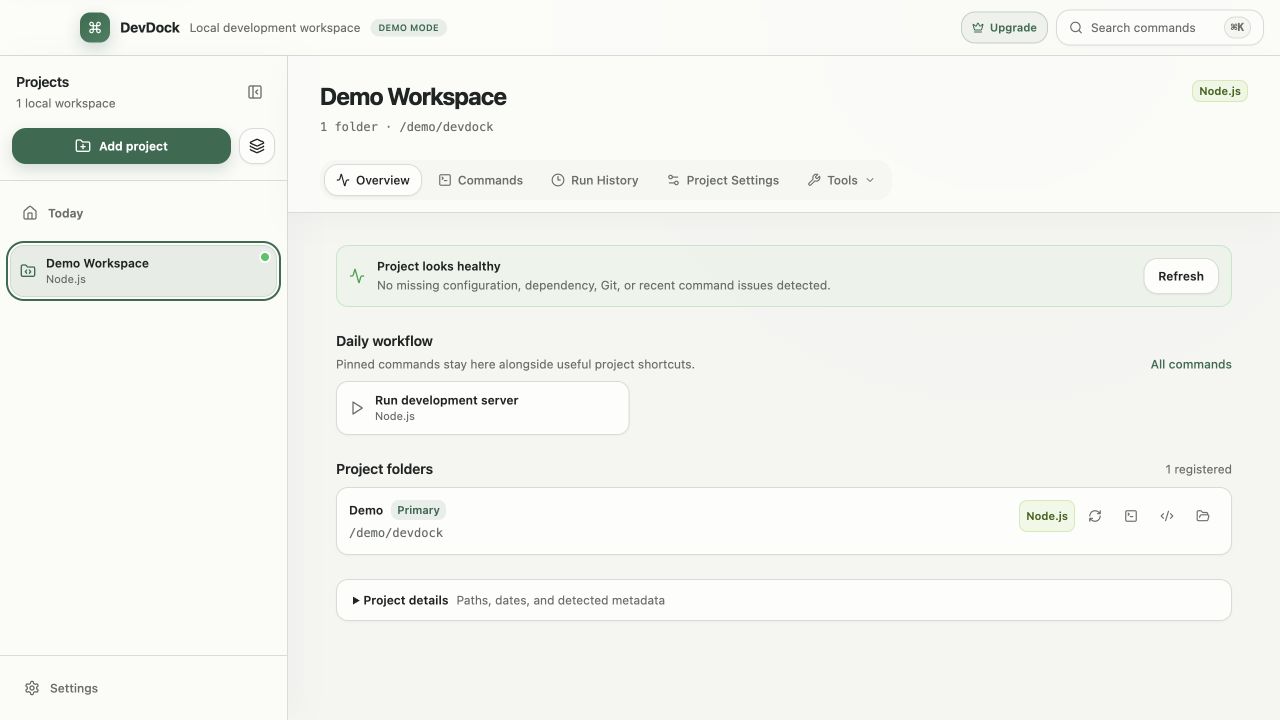
With DevDock Pro, those repositories become labeled folders inside one DevDock project. Each folder keeps its own detection, commands, Git state and shortcuts, and the Overview shows them side by side. The repositories stay where they are on disk and keep their own history.
DevDock Free works with single-folder projects, so it covers each repository on its own. Joining them into one project is the Pro part of this workflow.
Recommended path
Set up the product once, then run it from one place
Start from the repository you open most often and add the rest around it.
Register the main repository
Choose Add project and select the repository you work in most, for example the API. It becomes the project's primary folder. For a monorepo, DevDock lists its apps under Detected subprojects, and Pro registers each included app as its own folder.
Add the other repositories
In Project Settings, choose Add Folder for the web client, the mobile app and any infrastructure folder. Give each one a short Folder label such as Web or Mobile; the label does not rename anything on disk.
Check the labeled commands
Open Commands. Once a project has more than one folder, each command name starts with its folder label, so API: Run tests and Web: Run tests stay apart and run in their own folders.
Save a start-up environment
With Pro, choose New Environment in Commands and add the API server, the queue worker and the web dev server. Select Sequential — honor startup order and add a Readiness URL on localhost so DevDock waits for the API before starting the rest.
Keep branches and pushes together
Switch all repositories puts every repository on a branch that exists in all of them. Push all pending in Commands opens one push dialog that lists each repository's branch and destination.
Capabilities involved
How DevDock holds a multi-repository product together
Limits to know
Plan and scope for multi-repository projects
Multi-folder projects require DevDock Pro, a one-time purchase. DevDock Free allows three projects with one folder each, so on Free every repository is its own project.
DevDock does not move, merge or clone repositories. Each folder keeps its own Git history, and Remove Folder only deletes DevDock's reference to it.
Generated commands and commands from a repository's .devdock/technology.json work on Free. Custom commands, combined commands and environments that tie folders together require Pro.
Related manual
Organize multi-folder and multi-repository projects
With Pro, represent a complete product without forcing its API, web client, mobile app, and infrastructure into one repository.
Its sections cover choose the workspace boundary, add and label folders, keep detection scoped, name commands for the whole product, use project shortcuts, restructure without losing clarity. Use it when you are ready to reproduce this workflow with your own project data.
Read the guideDirect answers
Questions about this use case.
Do the repositories need to share a parent folder?
No. Each registered folder can sit anywhere on the computer. DevDock stores a path to each one and leaves the files in place.
How do I tell the API tests apart from the web tests?
In a project with more than one folder, DevDock puts the folder label in front of every command name, and each command runs in its own folder's working directory.
Can the backend start before the frontend automatically?
Yes, with Pro. An environment set to Sequential — honor startup order starts its commands in the listed order, and a Readiness URL makes DevDock wait until the local service responds. If the launch fails, DevDock stops the commands it already started.
Does the security audit cover every repository in the product?
Yes. Run audit scans every registered folder in the project, including folders where DevDock found no known technology.
Free & Pro: what’s included
Available on the Microsoft Store. Free for up to three local projects with core commands, Git, Docker, project health checks, and security-audit tools. A one-time Pro purchase unlocks unlimited and multi-folder projects, custom workflows, full history and insights, database tools, SSH transfers, and configuration backup and restore.