A foldable phone adds more than another canvas size. The inner and outer displays need their own screenshot sets, and the hardware can look completely different when it is open, half folded or closed. Screen Studio Kit 1.6 keeps those decisions in one editable project.
Version 1.6 is now available on the Mac App Store. It adds the iPhone Duo screenshot sizes, a foldable device frame, a separate outer-display image for every language, and more precise publishing destinations for teams that use Screen Studio Kit Pro.
01 / The new sizes
Make the inner and outer screenshot sets together
iPhone Duo has two App Store screenshot canvases. Each one can be prepared in portrait or landscape:
| Display | Portrait | Landscape |
|---|---|---|
| Inner display | 2007 × 2853 | 2853 × 2007 |
| Outer display | 1398 × 2034 | 2034 × 1398 |
The four sizes form one requirement group in Screen Studio Kit. Add the group once, design the pages, and use Preflight to see what is still missing. Apple currently treats the Duo set as optional and can scale the large iPhone screenshots when it is absent; the dedicated set becomes required from April 2027 for apps built with the iOS 27.1 SDK or later.
02 / A frame that folds
Show the product open, half folded or closed
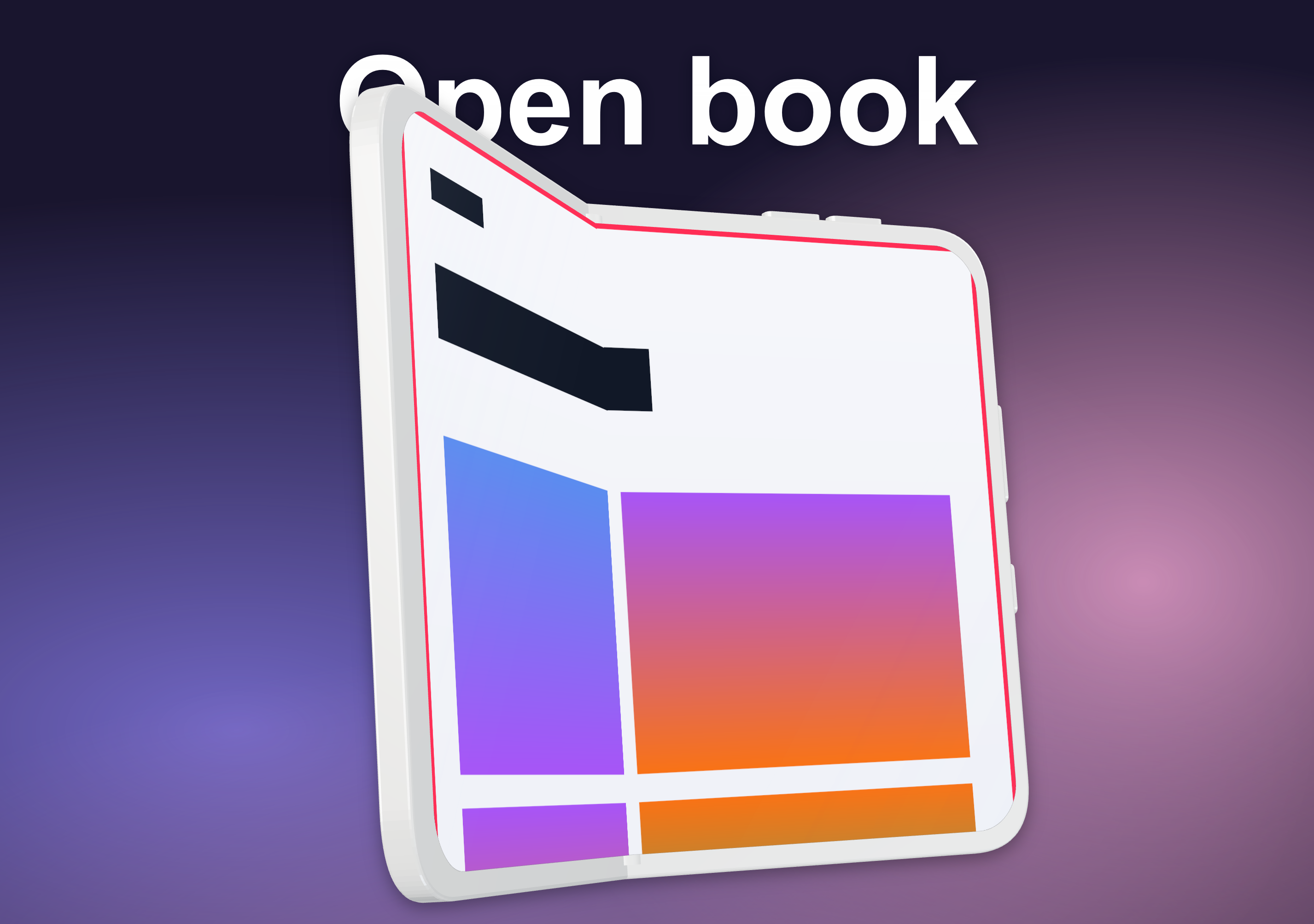
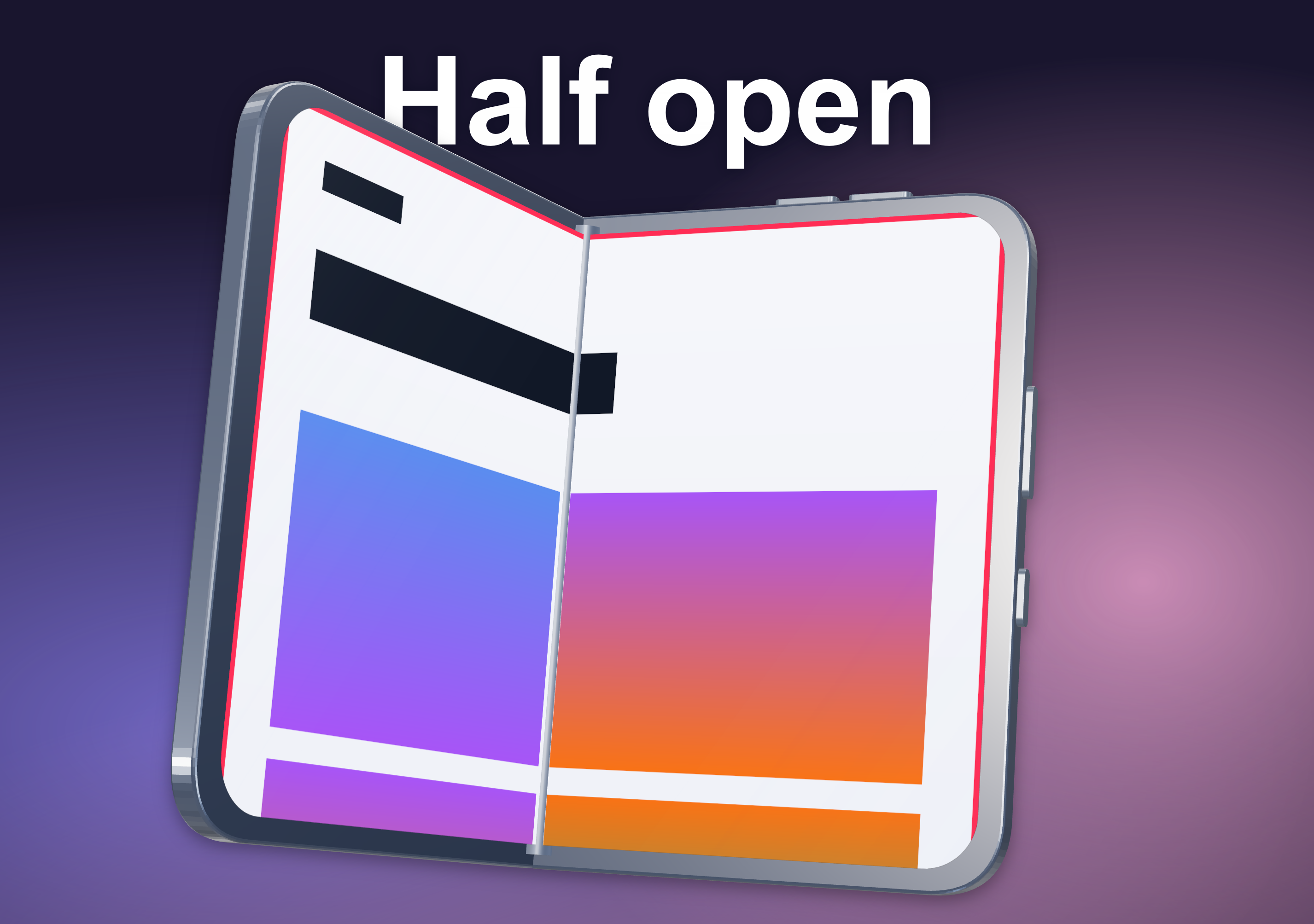
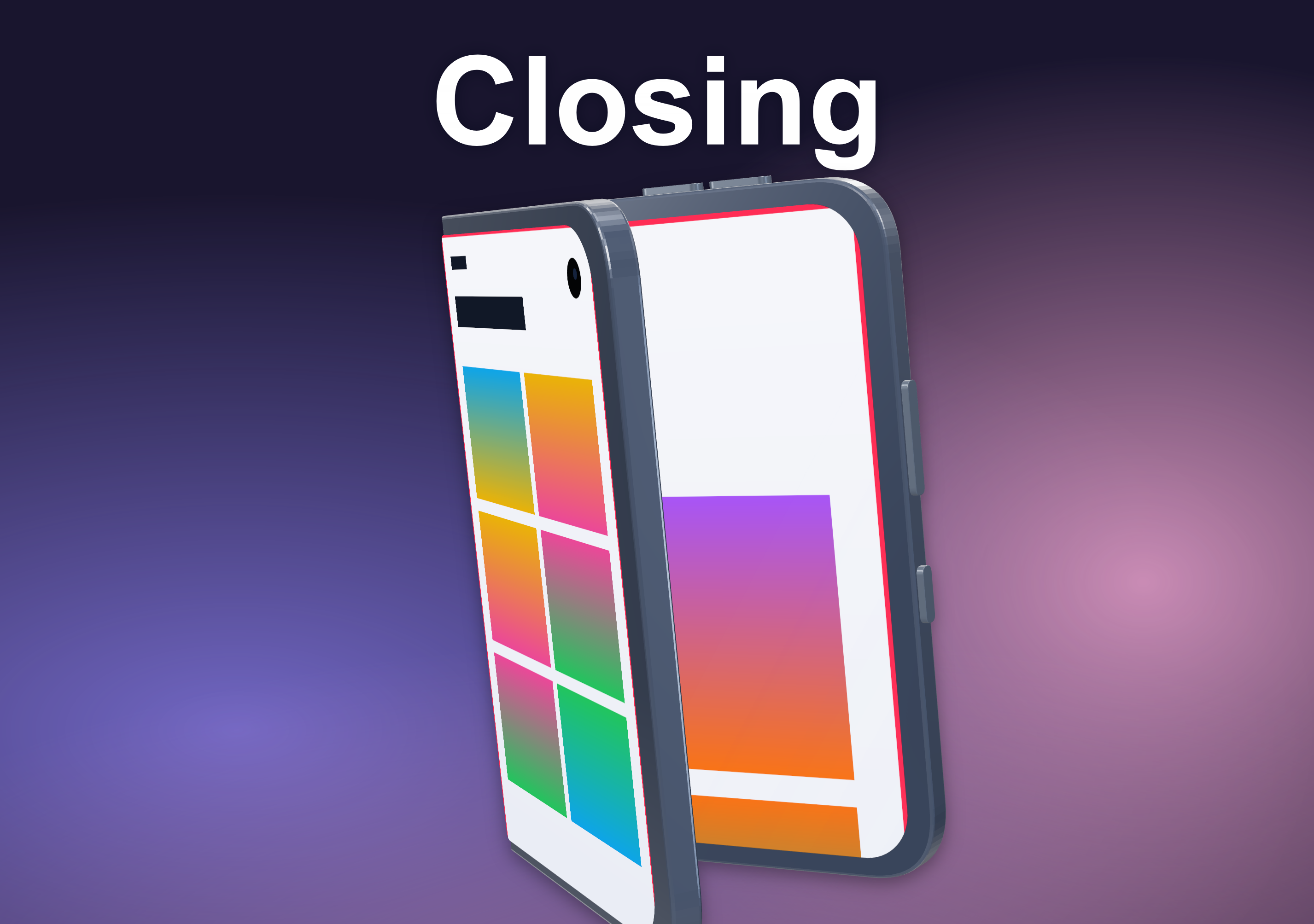
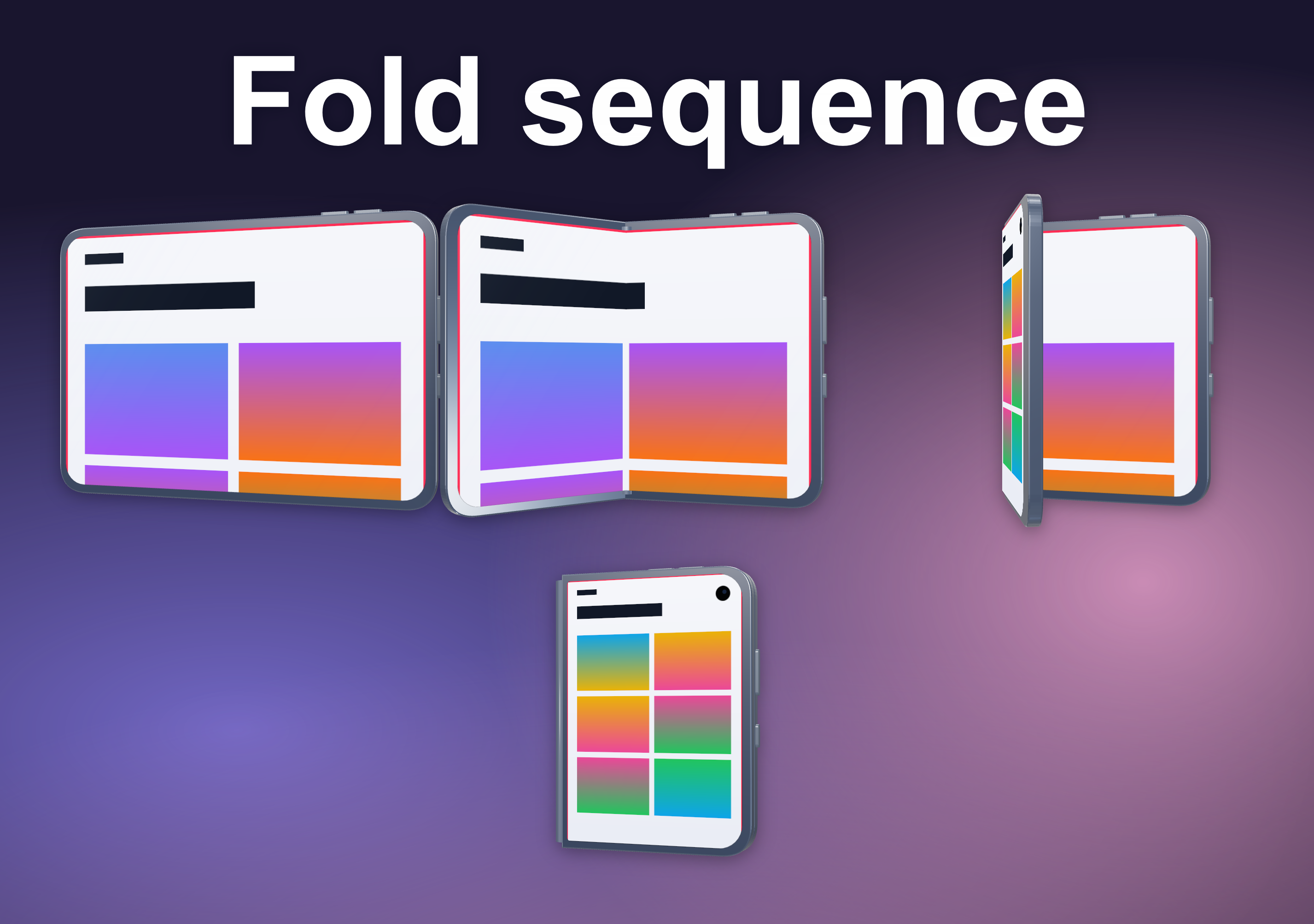
The new foldable frame has a continuous hinge angle and four useful starting points: Flat, Open book, Half open and Closed. The angle stays editable, so one page can show the inside display and the next can show the phone closing around the outer screen.
The outer display has its own image. In a localized project, that image can change with the selected language just like the main screenshot. The result is a real scene layer, not a flattened mockup: the frame, angle, inner capture, outer capture, headline and background remain available for the next edit.
03 / One release project
Keep every size and language in one reviewable matrix
A foldable screenshot set can double the work before localization even begins. Screen Studio Kit keeps the selected outputs beside the existing iPhone, iPad and promotional artwork in the same project. Shared layers carry the visual direction across sizes, while per-size layout adjustments handle the shapes that genuinely need a different composition.
Version 1.6 also makes language work easier to inspect. Add languages from a searchable list, rename or remove them, choose a new source language, and edit every text translation in one table. Export and publishing warn before untranslated text leaves the project.
04 / Pro publishing
Send the approved set to the right destination
With Pro, the publishing dry run shows the selected languages, sizes and files before anything is uploaded. Version 1.6 can place App Store screenshots and supported artwork in the main product page, a product page optimization treatment or a custom product page. It can also upload in-app event artwork.
Header and search-results artwork for the live product page use their own review submission, without attaching the change to a new app version. The project records the destination, and any relevant edit invalidates the earlier dry-run approval so the changed files must be reviewed again.
05 / Also in 1.6
A cleaner path from project to finished release
- New sizes for watches, TVs, laptops, headsets and consoles, plus product-page header, search-results and event artwork.
- Preflight groups issues by rule and gives each language its own row, making repeated problems easier to fix together.
- Fit-to-window zoom and a Publish button keep the most common review and delivery actions close to the canvas.
- Applying a template keeps the page's text and screenshots, so a layout change does not throw away the content already prepared.
Screen Studio Kit 1.6
Build the foldable screenshot set before it becomes a scramble
Free includes the full editor, every device frame, one size and one language per export, and up to ten full-resolution exported images per local day. Pro is a one-time purchase that adds unlimited multi-size and multi-language batch export, all templates and direct store publishing. Editing and export happen on your computer, and no AI is involved.
Screen Studio Kit 1.6 is available now for Mac and Windows from the store buttons above.
Explore Screen Studio Kit →