Problem solved by DevDock
Treat several repositories as one product
With DevDock Pro, group frontend, backend, mobile, infrastructure, or documentation repositories in one local Windows project workspace.
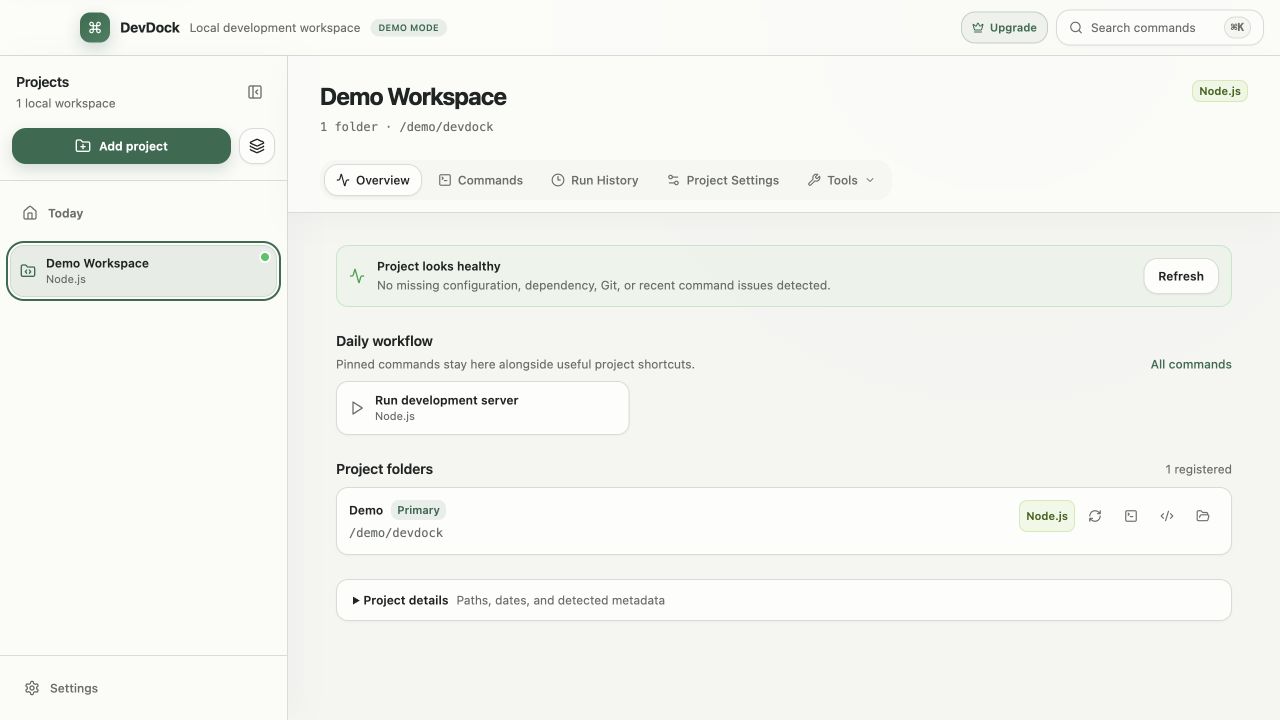
See it in the app
A focused workflow, on your computer.
Local project data, operating-system secret storage, read-only local audits, and no source upload.
The problem
Why the usual workflow gets in the way.
Products split across several repositories lose their shared context when every folder, command, and health check is handled as a separate workspace.
The solution
How DevDock handles it.
With Pro, a DevDock project can contain several labeled folders without moving or flattening them. Detection, tasks, and shortcuts stay scoped to each folder while contributing to one product overview.
Three short steps
From source to answer.
- 01
Create a project from the primary repository.
- 02
Attach and label the related local folders.
- 03
Use folder-scoped commands from one overview.
Available for Windows