Free & Pro: what’s included
Available on the Microsoft Store. Free for up to three local projects with core commands, Git, Docker, Project Doctor, and security-audit tools. A one-time Pro purchase unlocks unlimited and multi-folder projects, custom workflows, full history and insights, database tools, SSH transfers, and configuration backup and restore.
Capability overview
How can I use activity center in DevDock?
Keep running Git operations and recent notifications within reach without leaving a progress window over the workspace.
Hide a running Git progress view without stopping the operation, then reopen it from the Activity Center to inspect its current step, elapsed time, and live output.
Recent success, warning, and failure messages remain available in the Activity Center, while completed workflows refresh the project and close cleanly.
If live command events are interrupted, DevDock reconnects and reconciles active executions so a missed finish event does not leave stale running state behind.
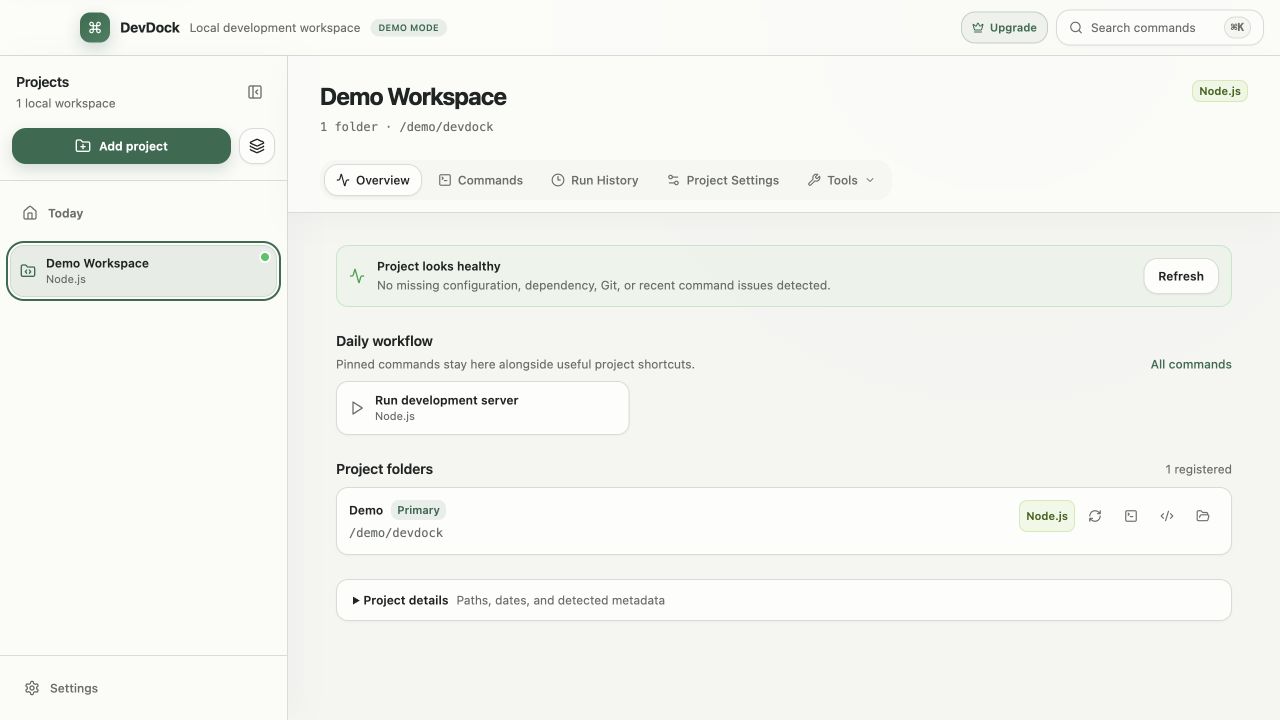
In the workflow
Run a command
Start a saved workflow and follow its output from the project view.
DevDock keeps the project, registered folder, working directory, execution target, and retained output connected so the same task remains understandable later.
Useful in practice
When to use it
Related manual
Getting started with DevDock
Build a dependable DevDock workspace: register a project, verify detection, run commands safely, and create a daily workflow you can return to.
Read the guideDirect answers
Questions about activity center.
How can I use activity center in DevDock?
Keep running Git operations and recent notifications within reach without leaving a progress window over the workspace. Hide a running Git progress view without stopping the operation, then reopen it from the Activity Center to inspect its current step, elapsed time, and live output. Recent success, warning, and failure messages remain available in the Activity Center, while completed workflows refresh the project and close cleanly. If live command events are interrupted, DevDock reconnects and reconciles active executions so a missed finish event does not leave stale running state behind.
Does DevDock replace the terminal?
No. It provides a repeatable control surface for common project workflows and can still open a registered folder in a terminal, Visual Studio Code, or File Explorer.
Does project detection run repository code?
No. Detection reads a bounded set of manifests and marker files. It does not execute package managers, build tools, project scripts, or network requests.