Capability overview
How can I use text ignore rules and sync points in Diff Anything?
Leave expected noise out of a text or document comparison: regular expressions that ignore matching text or whole matching lines, one-click presets for ISO 8601 and log timestamps, UUIDs, memory addresses, long numeric IDs, and durations, comments in languages whose comment syntax is known, and character columns, such as 1–6 or 73 to the end of the line, for fixed-width and mainframe files. Align these lines (Command-J on a Mac, Control-J on Windows) pairs a left line with a right line as a sync point, and the text before and after it is compared separately.
Patterns use the syntax of the Rust regex crate, which has no look-around or backreferences, and a comparison takes at most 50 ignore rules. Ignore rules are part of the free plan, and on Windows the command line and batch manifests take the same rules.
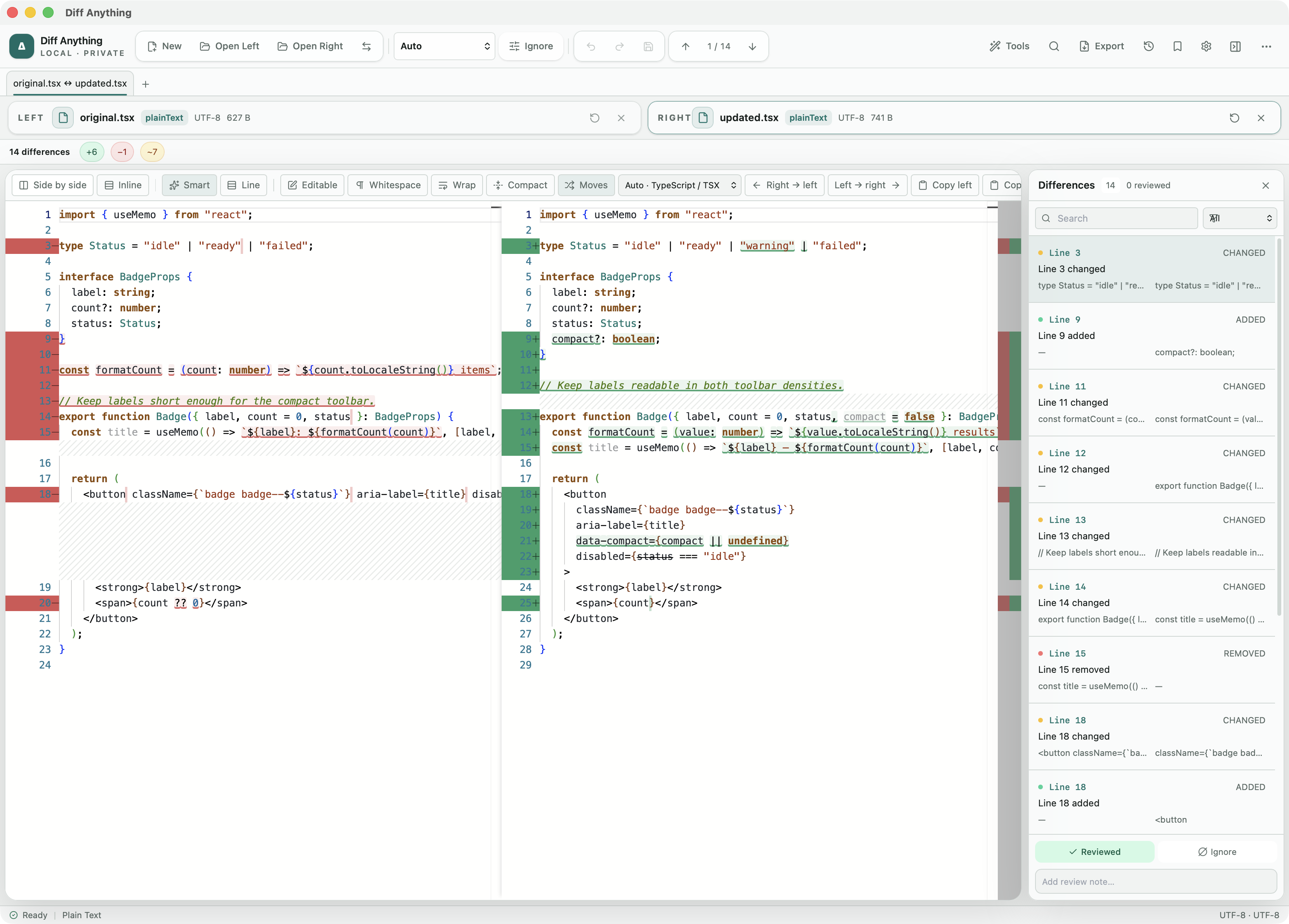
Ignore patterns
Leave out the text you know will differ
Two log files from different runs differ on every line because of timestamps, request IDs, and durations, even when the program did exactly the same thing. Ignore patterns leave that text out of a text or document comparison, so only the real changes remain.
Each pattern is a regular expression and either ignores the text it matches, so lines that differ only there are equal, or ignores every line it matches, as blank lines can be ignored. Presets add tested patterns with one click:
- ISO 8601 timestamps, such as 2026-10-12T10:00:01Z
- Log timestamps, such as 12/Oct/2026:10:00:01 +0000
- UUIDs and GUIDs
- Memory addresses, such as 0x7ffd5e8c3a10
- Long numeric IDs of 6 or more digits
- Durations, such as 123ms or 2m30s
Sync points
Pair two lines by hand
When a section was rewritten, the automatic match can pair the wrong lines. Put the caret on a line on each side and choose Align these lines (Command-J on a Mac, Control-J on Windows, or the editor's context menu). The two lines are matched, and the text before and after them is compared separately, so totals, navigation, applying changes, and reports follow the new pairing.
Aligned pairs are listed, marked in the gutter, follow their lines as you edit, and are kept with the tab, profiles, and history.
Limits
What the patterns can and cannot do
Patterns use the syntax of the Rust regex crate, which matches in time proportional to the text, so look-around and backreferences are not available. A pattern is matched against each line without its line ending and is case-sensitive unless it starts with (?i). A comparison takes at most 50 ignore rules.
Ignore rules and aligned lines are free. On Windows, the command line takes the same rules with --ignore-text, --ignore-lines, --ignore-preset, --ignore-comments, --ignore-columns, and --align, and batch manifests take them as fields. A patch exported from a comparison still holds every changed line, so applying it reproduces the file.
In the workflow
How to use it
Compare the two files
Open two logs, reports, or source files as Plain Text.
Add a preset
Open the ignore patterns and add the presets for the timestamps or IDs in your files.
Write a pattern for the rest
Add a regular expression for text only your files have, and choose whether it ignores the text or the whole line.
Fix the pairing
Where the automatic match pairs the wrong lines, align two lines by hand.
Useful in practice
When to use it
Related manual
Profiles, rules, review state, and reports
Turn a useful one-off comparison into a repeatable review with explicit ignore rules, notes, and, with Pro, saved profiles and exported reports.
Read the guideDirect answers
Questions about text ignore rules and sync points.
Can I ignore timestamps when comparing log files?
Yes. Add the ISO 8601 timestamps or Log timestamps preset, or a regular expression of your own. Lines that differ only in the matched text compare as equal.
Are look-ahead and backreferences supported?
No. Patterns use the Rust regex syntax, which matches in linear time and has no look-around or backreferences.
Can I ignore the sequence numbers in COBOL source?
Yes. Ignore columns 1-6 and 73-, and those columns are left out of every line.
Do ignore rules need Pro?
No. Ignore rules and aligned lines are free. Saving them in a profile for the next run needs Pro.
Free & Pro: what’s included
Available on the Mac App Store and Microsoft Store. Free desktop use lets you try every comparison engine for files up to 5 MiB per side and 10 new comparison sessions per local day; collection previews show the first 100 items, binary comparisons the first 100 byte differences, and PDF previews the first 3 pages. Plain text, JSON, and Jupyter notebook comparison are complete, and opening files from Finder or File Explorer, diffanything:// links, and AppleScript are free. The free CLI supports text, JSON, and notebooks. A one-time Pro purchase removes the preview and session limits and unlocks larger sources within technical limits, saved profiles and history, saving folder snapshots, report export and printing, JSON Patch export, applying patches, three-way merge and conflict resolution, the Git merge driver and merge tool, folder synchronization, batch manifests, trusted preprocessors, and every CLI mode.
Comments and columns
Ignore comments, or whole columns of fixed-width files
Ignore comments leaves comments out in the languages whose comment syntax is known, so a reworded comment is not a change; other text is compared as it is.
Ignore columns leaves character columns of every line out of the comparison, written as 1-6, 73- (column 73 to the end of the line), or several separated by commas. That suits fixed-width reports and COBOL source, whose sequence numbers in columns 1–6 and 73–80 change without the program changing.