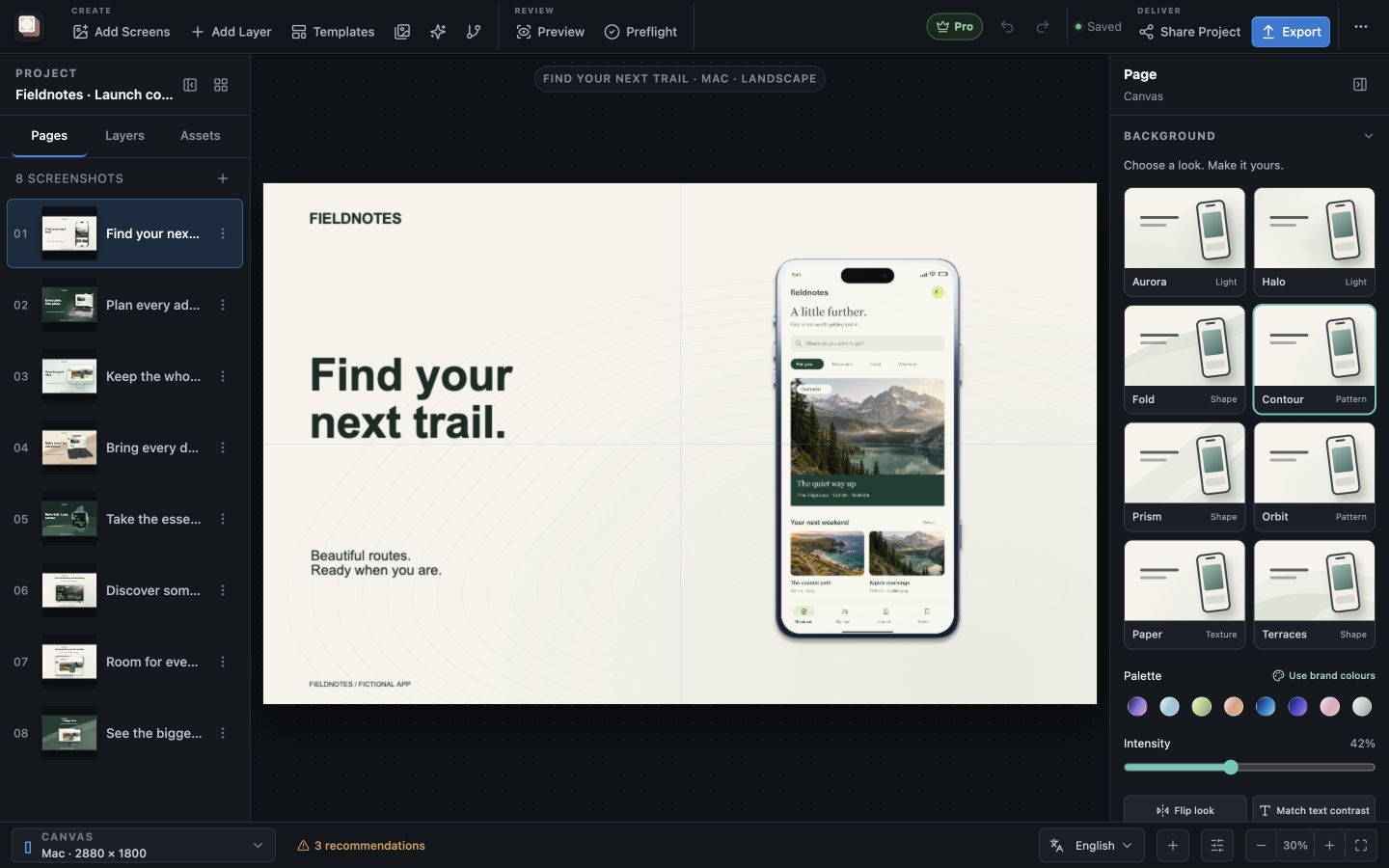
Manual macOSWindows

Screen Studio Kit manual

Learn how to build reusable screenshot projects, manage assets and captures, adapt across sizes and languages, validate output, publish safely, and recover from common project or export problems.

Screen Studio Kit application icon

Product documentation

Find your next Screen Studio Kit guide.

Start with the first project guide, or narrow the manual by topic and the job you are trying to complete.

5 guides

Design system14 min read

Responsive layouts and localization

Adapt one screenshot system across aspect ratios and languages without turning every output into an unrelated page.

  • Start with one shared composition
  • Test the extremes
  • Add targeted size overrides
  • Set up languages
  • Use CSV handoff safely
  • Validate the complete matrix
Read guide
Release14 min read

Exporting and publishing store screenshots

Run preflight, create deterministic native output, inspect the release folder, and safely sync approved screenshots to a store.

  • Freeze the release matrix
  • Run preflight
  • Render the batch
  • Inspect the release folder
  • Prepare store connections
  • Dry run, confirm, and publish
Read guide
Assets12 min read

Assets, captures, and device frames

Manage source images, replace captures safely, use platform-aware frames, and keep the project portable.

  • Use managed assets
  • Replace captures without rebuilding
  • Choose frames deliberately
  • Turn and tilt a frame in 3D
  • Create capture recipes
  • Diagnose missing and stale assets
  • Move the project
Read guide
Troubleshooting12 min read

Recovery, privacy, and troubleshooting

Recover interrupted edits, diagnose validation or export problems, and understand which project data stays local.

  • Recover interrupted edits
  • Resolve validation failures
  • Diagnose export mismatches
  • Handle publishing safely
  • Understand local data
  • Prepare useful support information
Read guide

Need the complete product scope?

View every capability