Capabilities macOSWindows

Everything your app screenshot set needs

Turn app captures into a consistent screenshot set with editable frames, backgrounds and headlines. Explore the design controls, then use Pro when you need localization and multi-size batch export.

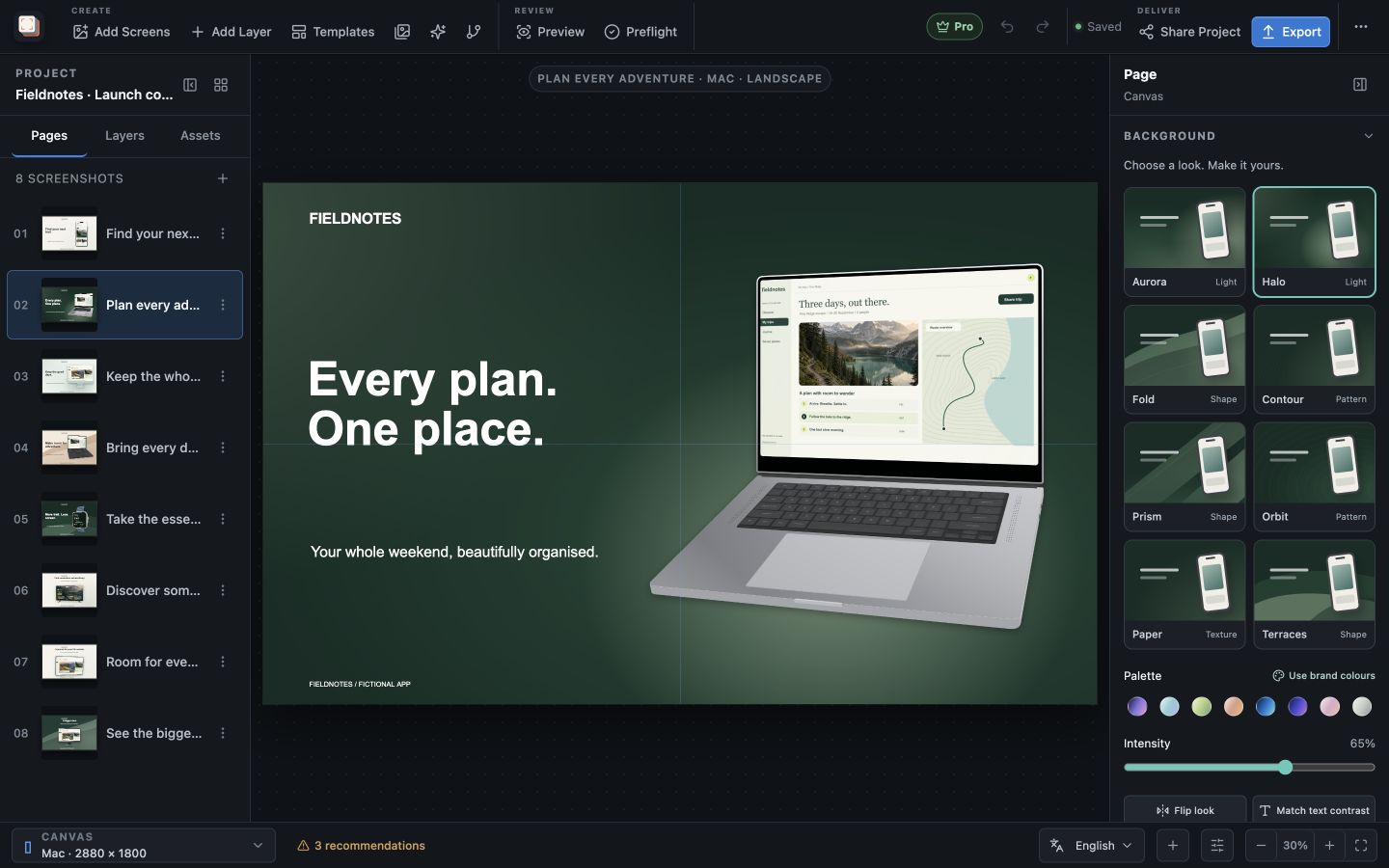
Screen Studio Kit 1.4 background gallery beside a laptop composition
Choose a background look, keep your colours, and adjust its intensity without leaving the editor.

Build a screenshot gallery that shows buyers what your app does. Place screenshots in device frames, write clear headlines, and adjust the composition for each output size. Start with three free templates or unlock all 26 with Pro.

Capture recipes

With Pro, save a recipe with the device, app, and a deep link and wait time (100 to 15,000 ms) for each screen, then import each capture into the project. The Mac App Store version cannot launch simulators or devices, so it imports existing captures instead.

Read the complete feature guide
In the workflow
Create a treatment

See these capabilities in context.

Explore Screen Studio Kit use cases

Make it with your app

Create your next screenshot set.

Bring an app capture, write the headline and shape the composition around it. Keep the design editable for the next release.

Follow the first-project guide →Browse the screenshot gallery →

Free & Pro: what’s included

Available on the Mac App Store and Microsoft Store. Free includes local projects, layer editing, three templates, six elements, asset management, preview, validation, device-frame editing, one size and one language per export, and up to 10 exported full-resolution images per local day. A one-time Pro purchase unlocks unlimited, multi-size and multi-language exports, all 26 built-in templates, custom templates, the complete element library, multiple languages with CSV translation workflows, automated capture recipes (not available in the Mac App Store version), and App Store Connect, Google Play, and Microsoft Store publishing.