Direct answer
Can TestDock send FCM test messages?
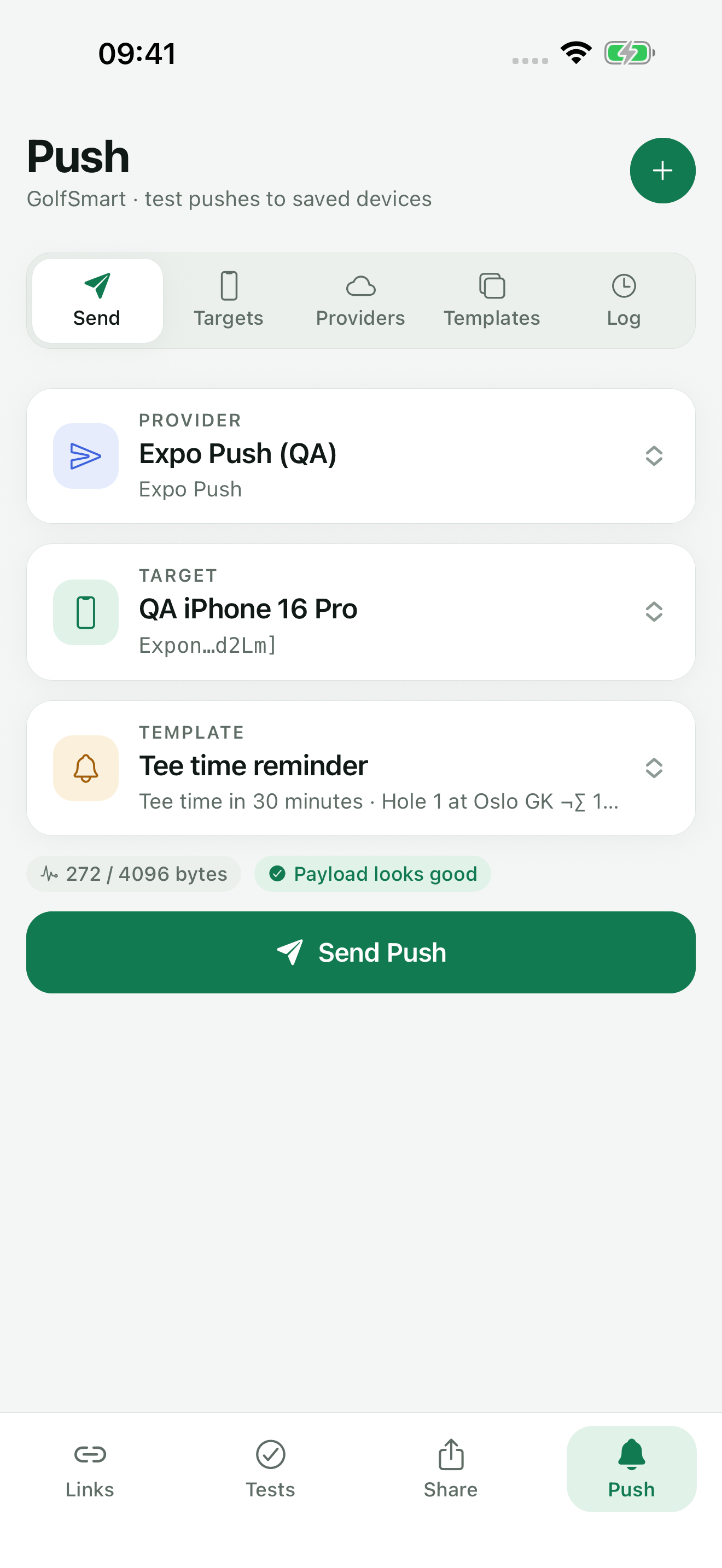
Yes, with TestDock Pro. TestDock sends Firebase Cloud Messaging tests through the FCM HTTP v1 API to a saved registration token, on Android and on iOS. It reads the project from your service-account JSON, checks FCM's payload rules before sending, and records each result in the app profile's log with a shortened token.
FCM HTTP v1
FCM sends need an OAuth access token, not a server key.
Firebase Cloud Messaging's current API is HTTP v1. Each request goes to fcm.googleapis.com/v1/projects/your-project-id/messages:send and needs a short-lived OAuth 2 access token created from a service-account key. From a terminal, that means generating the token with the gcloud CLI or a script and writing the message JSON by hand.
The message format has its own rules. Data values must be strings, some data keys are reserved, and Android options such as priority and notification channel go in a separate android block. A mistake usually comes back as INVALID_ARGUMENT.
FCM setup
Paste the service-account JSON once.
In TestDock, choose Firebase / FCM as the provider and paste the service-account JSON downloaded from the Firebase console. TestDock reads the client email, private key, and project ID from it; the Firebase project ID field is filled from the JSON when you leave it empty. When you send, TestDock exchanges the key for a Google access token and renews it when it expires.
The target is the FCM registration token your app receives from Firebase, saved under a name. Firebase / FCM is offered when TestDock runs on Android and on iOS, so it also works for an iOS app that receives pushes through Firebase. The key and tokens are kept in the device's secure storage.
Message format
How a template becomes an FCM message.
A Visible alert template becomes a message with a notification block holding the title and body, plus your data. A Background data template becomes a data-only message with no notification block, so the app's own messaging code handles it instead of the system showing a notification.
In the template editor, custom data fields can be text, numbers, true/false, or JSON. TestDock converts each value to a string before sending, because FCM data carries strings only. When TestDock runs on Android, the android block carries the delivery priority as HIGH or NORMAL, the TTL, the collapse ID as collapseKey, and, for alerts, the sound and Notification channel ID. When it runs on iOS, the message carries an apns block with the sound, badge number, and category instead.
Checks and errors
FCM rules checked before sending, errors explained after.
Before sending, the payload checks flag a missing Firebase project ID, a TTL longer than four weeks, data keys that FCM reserves (keys starting with google. or gcm., plus from and message_type), and payloads over 4,096 bytes.
If FCM rejects the message, TestDock reads the error code and adds a short explanation:
- UNREGISTERED: the app installation no longer uses this token; replace it
- SENDER_ID_MISMATCH: the token belongs to a different Firebase project
- INVALID_ARGUMENT: a token or payload field was rejected; check the diagnostics
- UNAUTHENTICATED: Google could not authorize the saved service account
- QUOTA_EXCEEDED: wait, or review the project's quota
- THIRD_PARTY_AUTH_ERROR: the provider could not authenticate with the target app's delivery service; check its provider configuration
Best for
Where this workflow fits.
- Testing Android notification channels, content, and routing
- Exercising data messages without waiting for a production backend
- Keeping FCM setup and reusable payloads attached to the correct app
Profiles and logs stay on the device, provider credentials use platform secure storage, and exports omit secrets.
Relevant capabilities
What TestDock brings to the job.
Practical workflow
From setup to a reviewed result.
Download a service-account key
Create a key for the Firebase project so you can paste its JSON contents on the phone.
Save the setup and token
Paste the JSON into a Firebase / FCM setup and save the app's registration token as a target.
Choose notification or data-only
Use Visible alert for a notification message or Background data for a data-only message, and add typed data fields.
Send and review
Resolve diagnostics errors, send, and check the log for the returned message name or the error and its explanation.
Useful in practice
Direct answers
Questions about FCM tester.
Can TestDock send FCM test messages?
Yes, with TestDock Pro. TestDock sends Firebase Cloud Messaging tests through the FCM HTTP v1 API to a saved registration token, on Android and on iOS. It reads the project from your service-account JSON, checks FCM's payload rules before sending, and records each result in the app profile's log with a shortened token.
Does TestDock support the legacy FCM server key?
No. TestDock sends through the FCM HTTP v1 API and authenticates with a Firebase service-account JSON.
Can I send a data-only FCM message?
Yes. A Background data template is sent without a notification block, so only your data fields reach the app.
Why do numbers and booleans arrive as strings?
FCM data values must be strings. TestDock converts every custom data value to a string before sending, so the app has to parse numbers, booleans, and JSON itself.
Can I send FCM messages to an iOS app?
Yes. When TestDock runs on iOS, Firebase / FCM is available alongside APNs and Expo Push, and the message includes an apns block for the sound, badge, and category.
Go deeper
Configure provider-specific push targets, reuse payload templates, and combine delivery checks with observable manual scenarios.
Read Test push delivery and repeatable app flowsFree & Pro: what’s included
Available on the App Store and Google Play. Free includes one app profile with unlimited saved links, Quick open, Paste, sharing links in, home-screen shortcuts, and the sample scenario plus one scenario of your own. A one-time Pro purchase unlocks unlimited profiles and scenarios, share fixtures, push testing, association inspection, links created from an apple-app-site-association file on iPhone, and profile or scenario import and export.