The job to be done
How does TestDock help with share and file-entry testing?
Reuse the exact text, URL, or file inputs an app is expected to accept through the operating system's share sheet.
Free includes one app profile, unlimited saved links, and the sample scenario plus one scenario of your own. With Pro, add unlimited profiles and scenarios, check AASA and assetlinks configuration, send test notifications through Expo Push, FCM, or, on iPhone, APNs, and test share inputs. Delivery results and scenario evidence stay on the device for your next review.
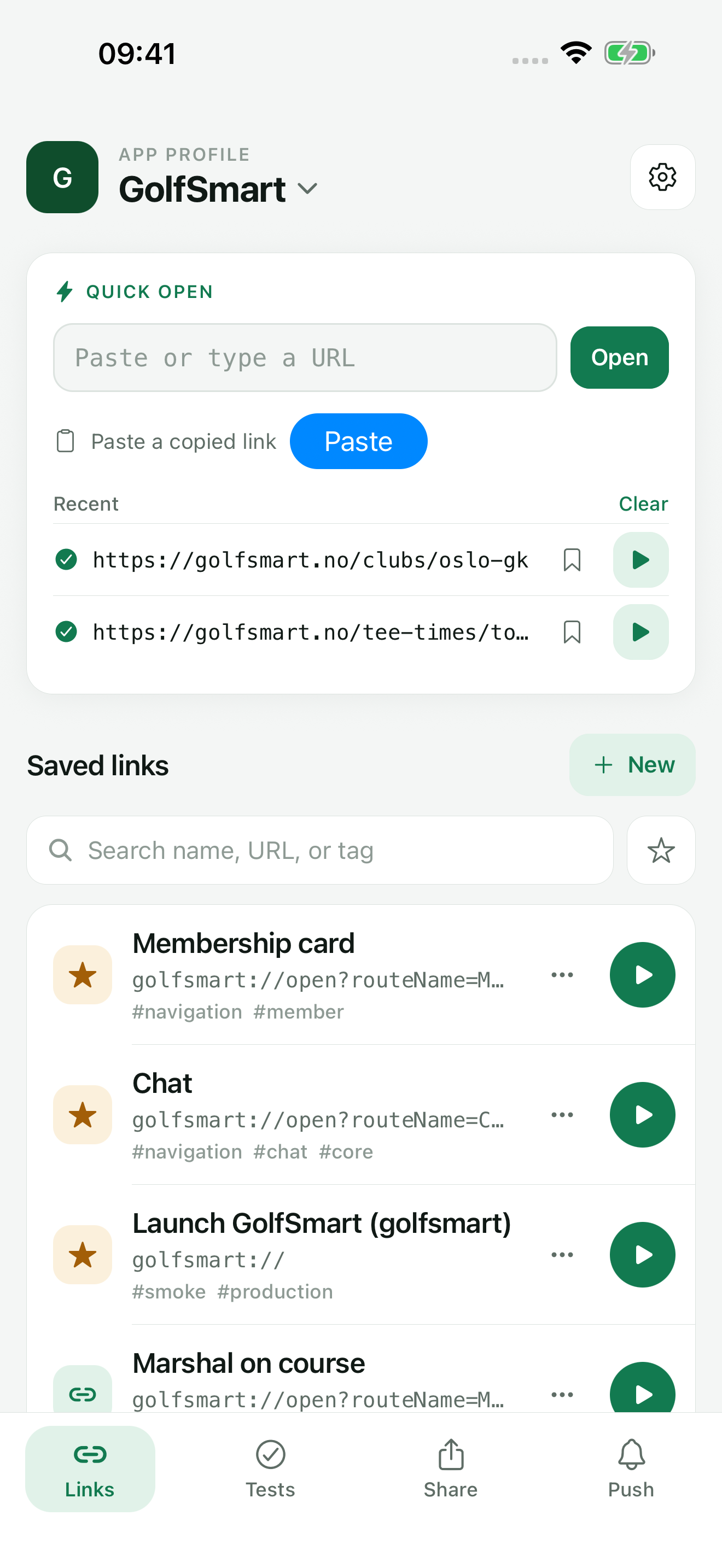
Recommended path
Save reusable tests
Add deep links and scenarios to that app profile, plus, with Pro, share fixtures, push setups, and notification templates.
TestDock keeps the app profile, resolved link or push input, protected provider setup, scenario state, and recorded outcome together on the device where the check runs.
Capabilities involved
The parts of TestDock used here.
Related manual
Set up your first TestDock app profile
Create a persistent profile for an installed mobile app and record the schemes and platform metadata its tests depend on.
Its sections cover choose the app boundary, add the app identity, record every custom scheme, find your way around a profile. Use it when you are ready to reproduce this workflow with your own project data.
Read the guideDirect answers
Questions about this use case.
How does TestDock help with share and file-entry testing?
Reuse the exact text, URL, or file inputs an app is expected to accept through the operating system's share sheet. The recommended path starts with save reusable tests and uses deep-link workbench, reusable share inputs, per-app push setups.
What is included in the free version?
One app profile with unlimited saved links, Quick open, Paste, sharing links in from other apps, and home-screen shortcuts, plus the sample scenario and one scenario of your own that you can create, run, attach photos to, and share results from. A one-time Pro purchase adds unlimited profiles and scenarios, push testing, share-input fixtures, association file checks, and import and export.
Can a ticket start a test run on the phone?
Yes. Copy test link on a scenario produces a testdock://run link. Opening it on a phone that has TestDock and a scenario with the same name shows that scenario and starts a run after one tap. The link can carry run values, for example orderId=1234. Some issue trackers only make http and https links clickable.
Free & Pro: what’s included
Available on the App Store and Google Play. Free includes one app profile with unlimited saved links, Quick open, Paste, sharing links in, home-screen shortcuts, and the sample scenario plus one scenario of your own. A one-time Pro purchase unlocks unlimited profiles and scenarios, share fixtures, push testing, association inspection, links created from an apple-app-site-association file on iPhone, and profile or scenario import and export.