The job to be done
Keep one product identity across your store listings
Your app should feel recognisable across its listings, while the screenshots still fit the device and output format in front of the customer. A phone capture and a wide desktop workflow need different arrangements around the same visual identity.
Screen Studio Kit keeps your captures, headlines and design elements in a reusable project with store output presets. Share the overall treatment, then review the layout for each target and make size-specific adjustments where necessary.
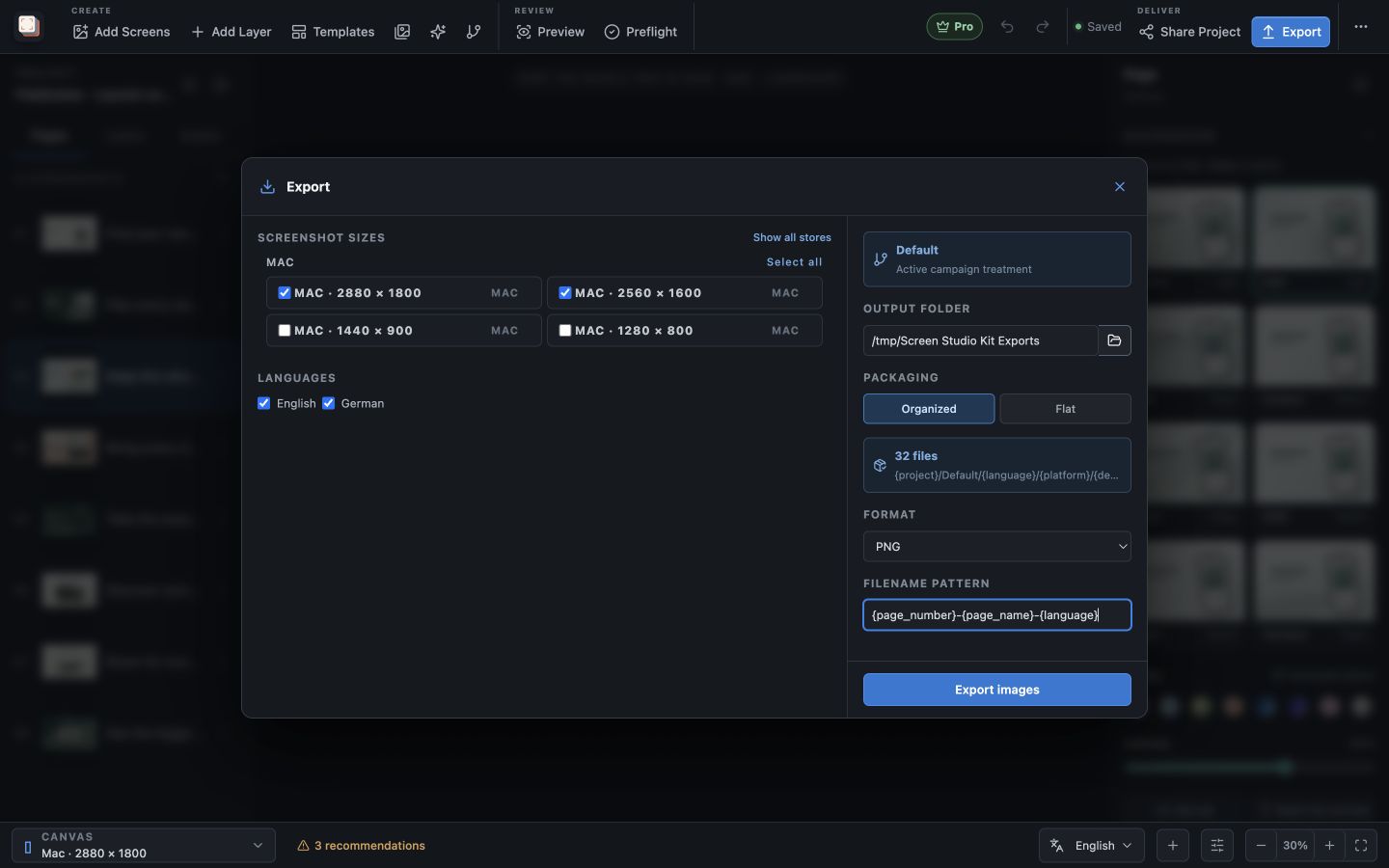
That lets you retain the palette and typography while giving different interfaces the room they need. Pro adds localization and batch export when you need to deliver several sizes and languages together.
Recommended path
Share the visual direction, review each destination
Choose the targets your app supports and inspect the composition at those sizes.
Select the output presets
Choose the relevant Apple, Google Play or Microsoft Store targets.
Build a shared visual treatment
Use consistent colours, typography and messages across the pages.
Adapt the layout
Review each output shape and adjust the device, headline or visibility as needed.
Prepare the release files
Validate the intended outputs and export them; use Pro for a multi-size batch.
Capabilities involved
The controls that support this workflow
Related manual
Exporting and publishing store screenshots
Check your screenshots before export, review the finished files, and publish approved screenshots to a store with Pro.
Its sections cover choose the outputs for this release, run preflight, export the screenshot set, inspect the release folder, prepare store connections, dry run, confirm, and publish. Use it when you are ready to reproduce this workflow with your own project data.
Read the guideDirect answers
Questions about this use case.
Can I use different layouts for different sizes?
Yes. Size-specific position, dimension and visibility overrides let you adapt the shared design.
Do I need Pro to export several sizes together?
Yes. Free exports one size and one language per export. Pro adds multi-size, multi-language batch export.