Capability overview
How can I use capture recipes in Screen Studio Kit?
With Pro, save a recipe with the device, app, and a deep link and wait time (100 to 15,000 ms) for each screen, then import each capture into the project. The Mac App Store version cannot launch simulators or devices, so it imports existing captures instead.
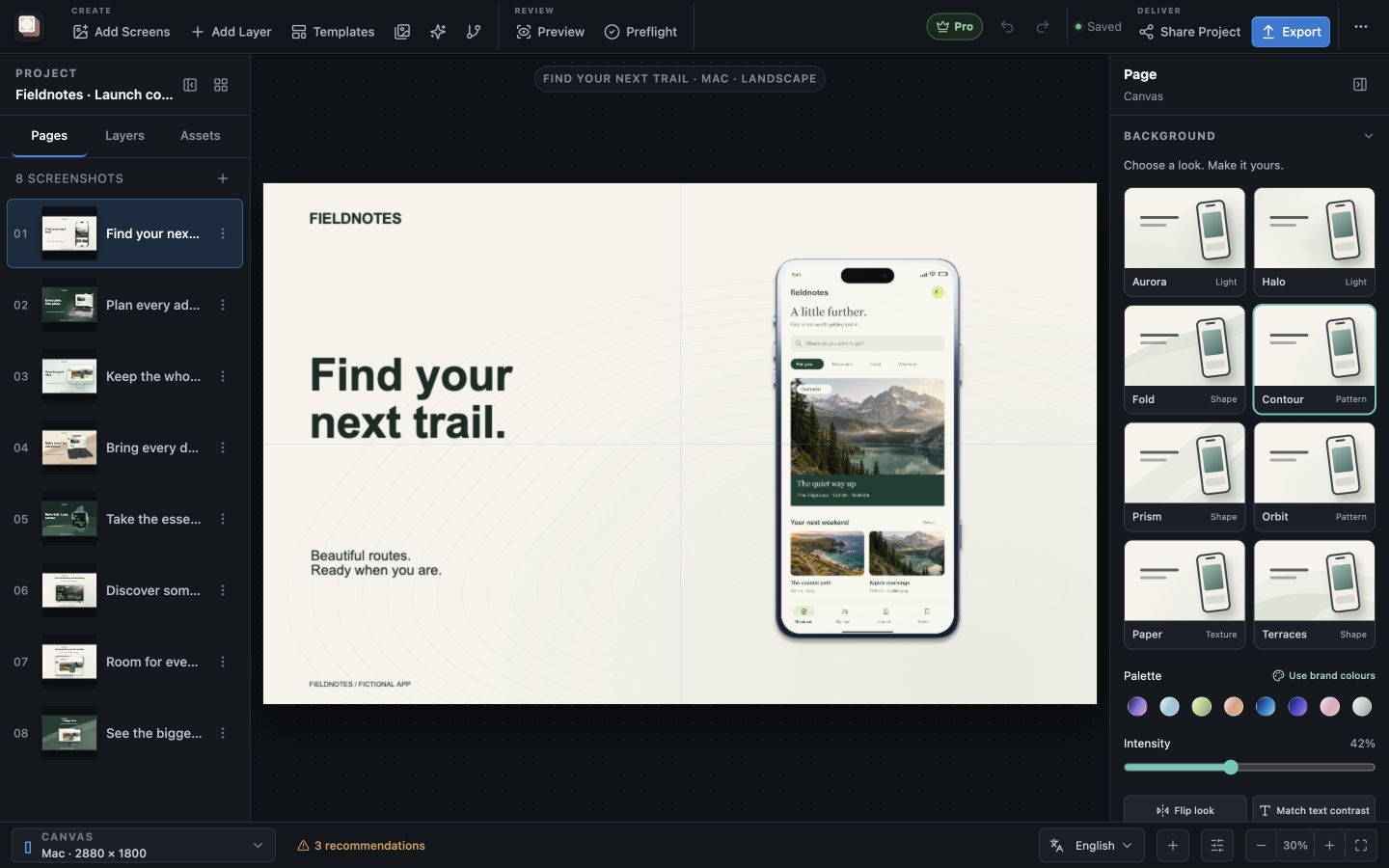
Build a screenshot gallery that shows buyers what your app does. Place screenshots in device frames, write clear headlines, and adjust the composition for each output size. Start with three free templates or unlock all 26 with Pro.
Recipes
Record the steps that produce each screen
A capture recipe sets a Platform (iOS Simulator, tvOS Simulator or Android emulator/device), a device, the app identifier, a language, an appearance of System, Light or Dark, and a list of Capture steps. Each step has a screen name, an optional deep link such as myapp://screen, and a wait of 100 to 15,000 milliseconds before the capture is taken.
Running a recipe boots an Apple simulator when needed, launches the app in the recipe's language and appearance, opens each deep link in turn, waits the set time and saves the capture to the asset library, tagged with the recipe name. On Apple simulators the recipe also requests a tidy status bar showing 9:41 and a full battery. On Android, it sets the app's language and the device's dark mode through adb before launching the app.
Manual capture
Capture the screen as it is now
Manual capture takes a screenshot of a running simulator or Android device without launching or changing the app. Navigate to the state you want, give the screen a name, choose its language and save it to the project. Manual capture does not require Pro.
Refresh devices updates the list of simulators and adb devices. Apple simulator capture uses Xcode's simulator tools and therefore needs a Mac; Android capture uses adb with an emulator or a connected device.
Linked folders
Bring in captures from Fastlane, XCUITest or Gradle
If your UI tests already produce screenshots, Linked screenshot folders in the More menu can watch that output. Choose a Capture convention (Fastlane, XCUITest, Android / Gradle or Generic locale folders), pick the folder and decide whether to copy captures into managed project storage. While the project is open, the folder is scanned every five seconds and only new or changed files are imported.
Files are matched to pages by page name or a leading number such as 01-home.png, to languages by locale code or folder, to output sizes by exact pixel dimensions, and to light or dark appearance by those words in the path. Linked folders do not require Pro.
Build boundaries
Which capture method your build supports
Automated recipes require Pro. Both manual capture and recipes launch developer tools, which the Mac App Store sandbox does not allow, so the Mac App Store build shows Import captures in this build and works with screenshots you import or bring in through a linked folder. In that build, choose a linked folder again after relaunching the app, because the sandbox does not keep access to it.
Recipes suit screens you can reach reliably through a deep link. When a screen needs sign-in, seeded data or several taps, prepare that state in your own test setup and bring the result in through a linked folder or manual capture.
In the workflow
How to use it
Choose the device
Open Capture Screenshots, pick the platform and a running simulator or Android device, and enter the app identifier.
Define the screens
Add a Capture step for each screen with its name, deep link and wait time.
Run the capture
Run the recipe; each capture is imported into the asset library with the recipe's language.
Place the new captures
Use the captures in your pages or replace older ones, then review each output.
Useful in practice
When to use it
Related manual
Assets, captures, and device frames
Manage source images, replace captures safely, use platform-aware frames, and keep the project portable.
Read the guideDirect answers
Questions about capture recipes.
Is automated capture available in the Mac App Store version?
No. The Mac App Store sandbox cannot launch developer tools. Import existing captures or use Linked screenshot folders instead.
Which devices can a recipe capture?
iOS and tvOS Simulators through Xcode's simulator tools on a Mac, and Android emulators or devices through adb.
Does a recipe wait until the screen has finished loading?
Each step waits for the time you set, from 100 to 15,000 milliseconds, before the capture. Choose a wait long enough for the screen to settle.
Can I use screenshots from my existing UI tests?
Yes. Linked screenshot folders read Fastlane, XCUITest, Android / Gradle and generic locale folder output, and do not require Pro.