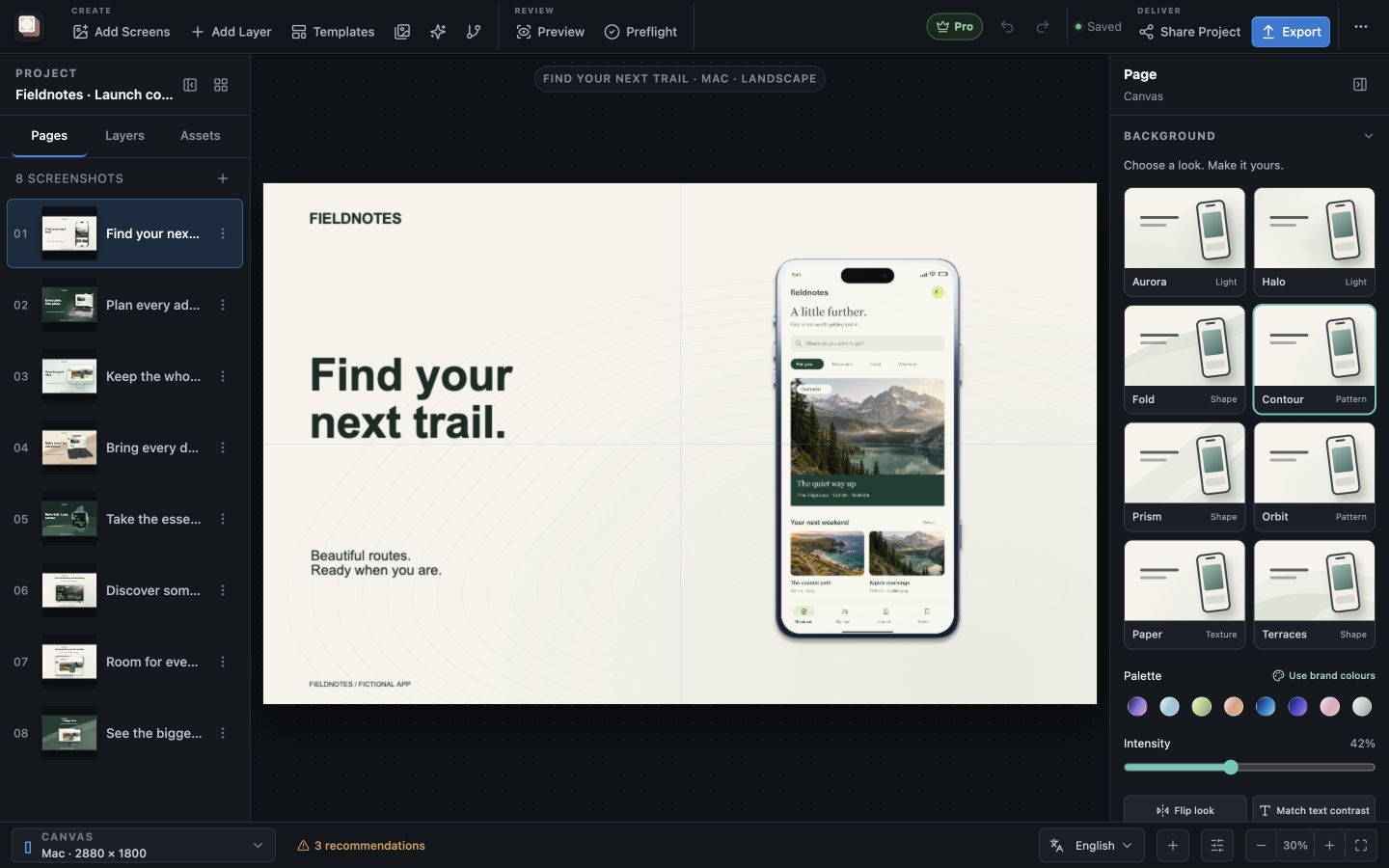
The job to be done
Keep the screenshots current when your app changes
A navigation change, a redesigned screen or a new feature can make yesterday’s listing images feel out of date. Recreating the surrounding artwork each time turns a small interface update into another design project.
Screen Studio Kit keeps the app capture separate from its headline, frame and background. Replace the source capture, review the affected composition and retain the visual choices that still work.
Use the existing project to check the message as well as the interface. A new feature may need a new headline or a different opening screenshot. Campaign variants let you explore that direction while keeping the alternatives in the project.
Recommended path
Refresh the content and keep the useful design work
Review the affected pages after replacing a capture.
Import the updated capture
Bring the new app screen into the existing project.
Replace the old image
Keep the frame, background and copy that still suit the new interface.
Review the affected layouts
Check visible details, headline fit and the intended output sizes.
Export the refreshed set
Produce the selected images, or use Pro to regenerate the selected sizes and languages together.
Capabilities involved
The controls that support this workflow
Related manual
Assets, captures, and device frames
Manage source images, replace captures safely, use platform-aware frames, and keep the project portable.
Its sections cover organise your app captures, replace captures without rebuilding, choose frames deliberately, turn and tilt a frame in 3d, create capture recipes, diagnose missing and stale assets, move the project. Use it when you are ready to reproduce this workflow with your own project data.
Read the guideDirect answers
Questions about this use case.
Will I need to recreate the device frame?
The frame is an editable layer in the project. You can replace the capture and keep working with the existing frame and composition.
Can I compare a different marketing direction?
Yes. Campaign variants keep alternative treatments in the project so you can compare their first frames and choose the active version.