Direct answer
Can TestDock inspect assetlinks.json for Android App Links?
TestDock exercises Android App Links through the operating system on the installed device. Saved routes, parameters, history, and, with TestDock Pro, assetlinks.json inspection stay together in the target app profile, making association and routing problems easier to separate.
How App Links verify
An App Link opens your app only after Android verifies the domain.
An Android App Link is an https URL that opens your app directly, without the app chooser, because Android has verified that the app and the website belong together. That needs an intent filter with android:autoVerify="true" for the host and path, and a Digital Asset Links file at /.well-known/assetlinks.json that names your package and the SHA-256 fingerprint of the signing certificate. A common mistake is listing the upload key's fingerprint when the app is signed by Play App Signing.
The usual checks are adb commands run from a computer: adb shell pm get-app-links com.example.app to read the verification state, adb shell pm verify-app-links --re-verify com.example.app to try again, and adb shell am start -a android.intent.action.VIEW -d "https://…" to open a URL.
On the phone
Open saved App Links from the Android phone itself.
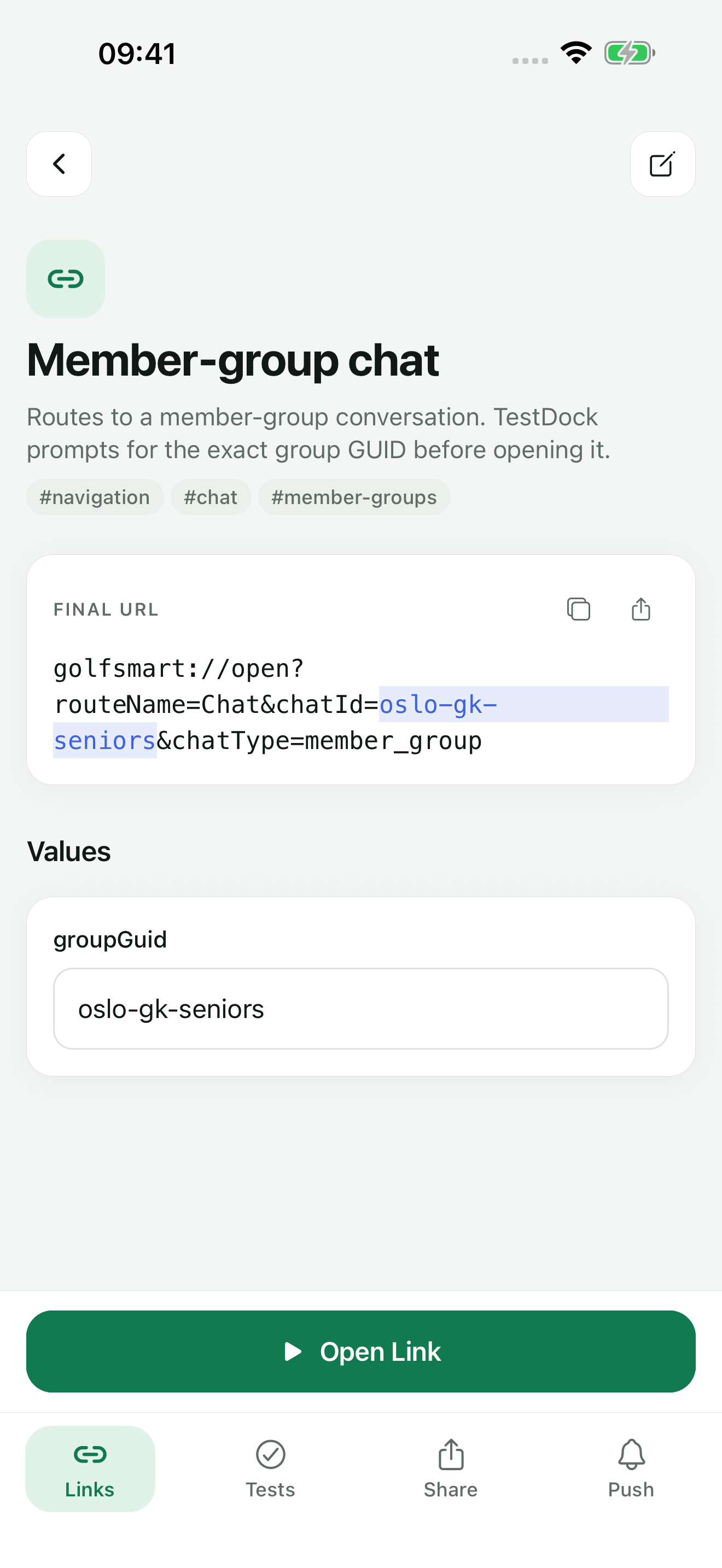
On Android, TestDock saves App Links in the app profile as link templates with variables, default values, tags, and favorites. Open Link hands the final URL to Android, the same as a tap in another app. Each open is recorded in the link's history with the URL and whether Android accepted the request.
For https links, the detail screen shows an Android checklist with six items: Intent filter, autoVerify enabled, assetlinks.json file, Application package, Signing certificate fingerprint, and Path match. These are manual reminders you tick as you confirm each item; TestDock does not check them for you.
assetlinks.json
Inspect the assetlinks.json response with Pro.
TestDock Pro adds the Association inspector. Choose one of the Android app-link domains saved in the profile or type another domain, then tap Inspect public file. TestDock fetches https://your-domain/.well-known/assetlinks.json and marks each check as passed or failed:
- HTTPS response, with the HTTP status code
- No redirect observed, with the final URL when there was a redirect
- JSON content type, taken from the Content-Type header
- Valid JSON
- Android app-link structure: at least one android_app target with a package_name, and the number of targets found
Limits
Package and fingerprint matching stay manual.
The inspector confirms that the file is reachable and correctly shaped. It does not compare the package name or the sha256_cert_fingerprints values with your installed build, and it does not read the verification state Android has stored for the app. Use the checklist and pm get-app-links for those. Because assetlinks.json declares no paths, saving links from the file is offered only for apple-app-site-association on iPhone.
An accepted result means Android took the open request. If verification failed, Android may open the browser or show a chooser instead of your app; you see that on the screen, and TestDock cannot report it.
Best for
Where this workflow fits.
- Checking on an Android phone whether a verified https link opens the app directly
- Confirming that assetlinks.json is reachable, served as JSON, and lists an android_app target
- Keeping App Link tests for several installed apps apart
Profiles and logs stay on the device, provider credentials use platform secure storage, and exports omit secrets.
Relevant capabilities
What TestDock brings to the job.
Practical workflow
From setup to a reviewed result.
Add the app-link domains
Enter the package name and each Android app-link domain in the profile settings.
Inspect assetlinks.json (Pro)
Run the Association inspector for each domain and fix redirect, content-type, or structure problems.
Open the saved https link
Tap Open Link and see whether the app opens directly, the browser opens, or a chooser appears.
Work through the checklist
Tick intent filter, autoVerify, package, fingerprint, and path once confirmed, and compare attempts in the open history.
Useful in practice
Direct answers
Questions about Android App Link tester.
Can TestDock inspect assetlinks.json for Android App Links?
TestDock exercises Android App Links through the operating system on the installed device. Saved routes, parameters, history, and, with TestDock Pro, assetlinks.json inspection stay together in the target app profile, making association and routing problems easier to separate.
Does the inspector check my SHA-256 certificate fingerprint?
No. It checks that assetlinks.json is reachable over HTTPS, served as JSON without a redirect, and contains at least one android_app target with a package name. Compare the fingerprint with your signing certificate yourself.
Why does the inspector flag redirects?
Android expects assetlinks.json to be served directly from the domain. The inspector marks a redirect as a failed check and shows the final URL so you can see where the request ended up.
Can I test custom-scheme links on Android too?
Yes. Custom schemes such as myapp:// and https App Links are saved and opened the same way, and both are included in the free version for one app profile.
Can I inspect assetlinks.json from an iPhone?
No. The inspector checks the file for the platform TestDock runs on: assetlinks.json on Android and apple-app-site-association on iOS.
Go deeper
Save reusable custom schemes and web links, resolve their parameters, open them on device, and inspect association files.
Read Test deep links and app associationsFree & Pro: what’s included
Available on the App Store and Google Play. Free includes one app profile with unlimited saved links, Quick open, Paste, sharing links in, home-screen shortcuts, and the sample scenario plus one scenario of your own. A one-time Pro purchase unlocks unlimited profiles and scenarios, share fixtures, push testing, association inspection, links created from an apple-app-site-association file on iPhone, and profile or scenario import and export.