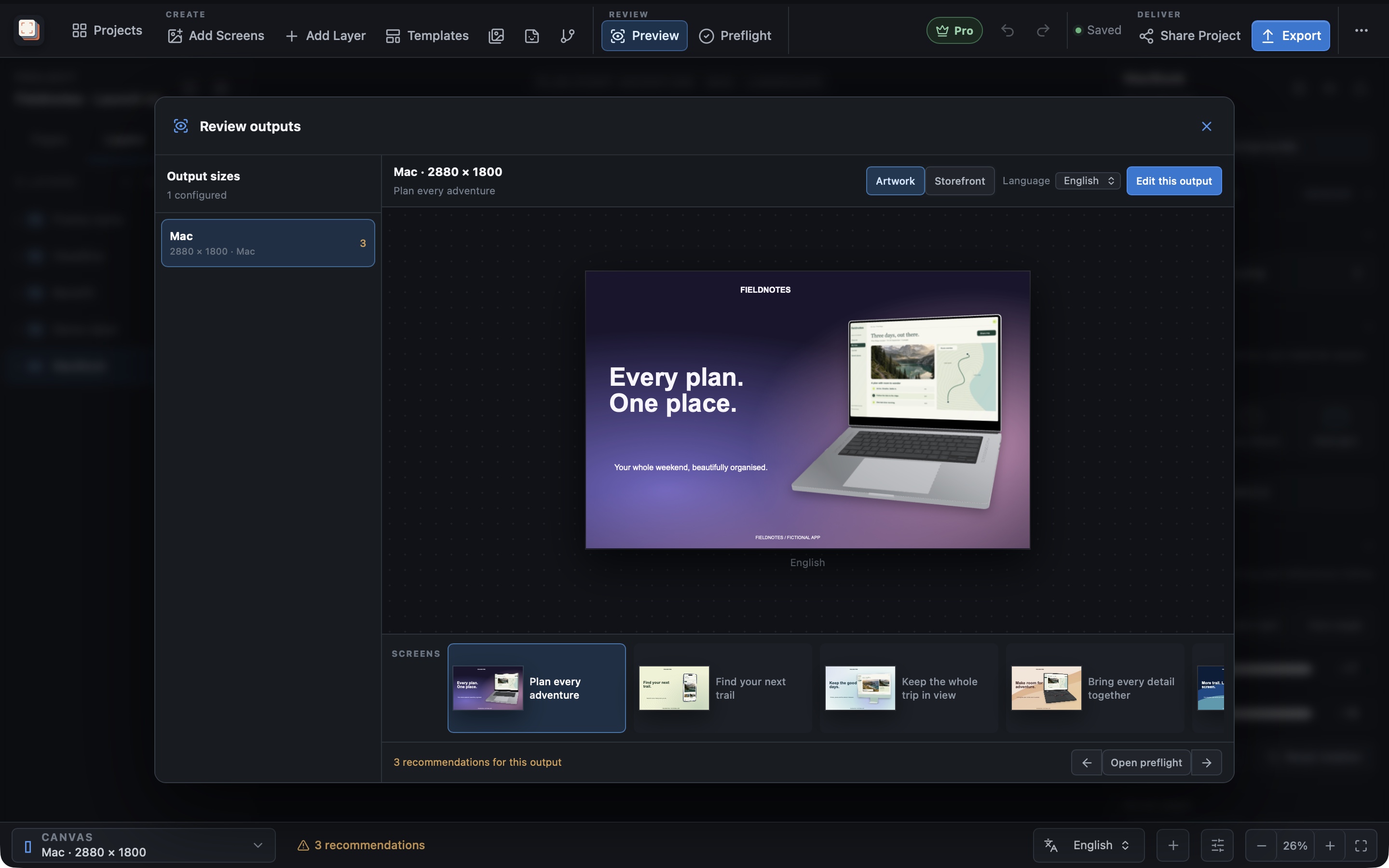
How it works
How do I upload screenshots from Screen Studio Kit?
Screen Studio Kit Pro can upload screenshots to App Store Connect after a publishing dry run. Review the destination, sizes, languages, ordering and files, then confirm the upload. The review is tied to the prepared project so a changed design needs a fresh check.
Check the upload
See what will be sent before confirming
A release can contain several screenshot sizes and languages. The publishing review brings those selections together before the upload, helping you check that the files match the version you intend to submit.
Configure your App Store Connect connection, prepare the screenshot output and run the dry run. Review the result before you confirm the upload.
Handle the next update
Return to the same project for the next release
When the app changes, update the captures or copy in the project and prepare a new export. Keep the approved visual direction while refreshing the content.
Publishing is a separate, explicit Pro action. Editing a page or exporting an image does not automatically upload it to a store.
Best for
Where this workflow fits.
- Localized releases with many device-size and language combinations
- Teams that want a recorded export summary before publishing
- Avoiding accidental upload from an outdated or changed project
Relevant capabilities
What Screen Studio Kit brings to the job.
Practical workflow
Make it with your own app captures.
Prepare the artwork
Review the selected sizes, languages and page sequence.
Export and validate
Produce the files and resolve reported problems.
Review the publishing dry run
Check the destination and the exact screenshot selection.
Confirm the upload
Send the reviewed files with Pro when the result is correct.
Useful in practice
Direct answers
Before you get started.
How do I upload screenshots from Screen Studio Kit?
Screen Studio Kit Pro can upload screenshots to App Store Connect after a publishing dry run. Review the destination, sizes, languages, ordering and files, then confirm the upload. The review is tied to the prepared project so a changed design needs a fresh check.
Which stores and device families are supported?
The preset catalog covers Apple device families, Google Play outputs, and Microsoft Store targets, including target-specific dimensions and format rules.
Can one layout serve several screenshot sizes?
Yes. Geometry is normalized to the active canvas, and specific output sizes can override position, dimensions, or visibility when a shared layout needs adjustment.
Go deeper
Check your screenshots before export, review the finished files, and publish approved screenshots to a store with Pro.
Read Exporting and publishing store screenshots