How it works
How can I design a Google Play screenshot set?
Screen Studio Kit lets you create Google Play listing images in a desktop editor for Mac and Windows. Bring your phone or tablet captures, add a clear message and build a consistent visual style across the pages. Keep the project editable when your interface or marketing copy changes.
Phone and tablet
Give each format enough room
A tablet capture can show more of the interface than a phone screen. Choose the appropriate output preset and arrange the composition around the content you want people to notice. Size-specific layout controls let you adapt the design where the shape changes.
Use the same palette and typography across the set, with different captures and headlines for different benefits. Device frames and editable backgrounds help connect the images without making every page identical.
Keep the work
Use the project again after the next app update
Replace an old app capture, update the message and review the affected pages. Your design remains in the project, including its text, frames and backgrounds.
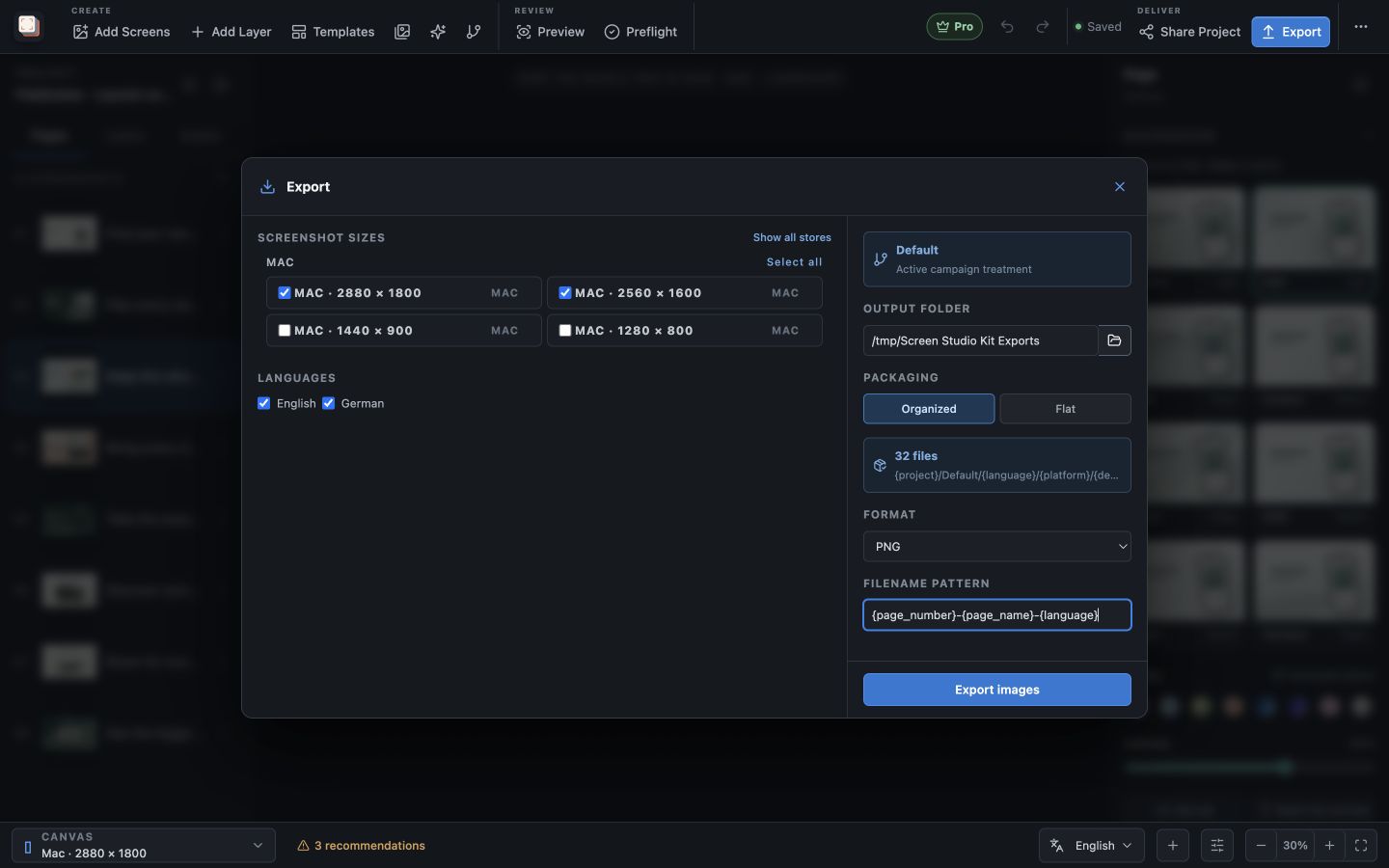
Pro supports translated copy, language-specific images and batch export across selected sizes and languages. That is useful when the listing expands beyond a single output or locale.
Best for
Where this workflow fits.
- Android apps that need phone and tablet listing images
- Products shipping to Apple and Google from one design system
- Frequent releases where captures and captions change together
Relevant capabilities
What Screen Studio Kit brings to the job.
Practical workflow
Make it with your own app captures.
Create a treatment
Choose store platforms and output presets, then begin from a blank page, an editable template, or a named campaign variant.
Compose in context
Edit copy on the canvas, place focal crops and callouts, refine typography, backgrounds, stickers, and reusable device compositions.
Adapt deliberately
Localize text, compare campaign treatments, and add per-size geometry or visibility overrides only where the shared composition needs them.
Validate and export
Run preflight, render the active treatment as a deterministic batch, and review the recorded output summary before publishing.
Useful in practice
Direct answers
Before you get started.
How can I design a Google Play screenshot set?
Screen Studio Kit lets you create Google Play listing images in a desktop editor for Mac and Windows. Bring your phone or tablet captures, add a clear message and build a consistent visual style across the pages. Keep the project editable when your interface or marketing copy changes.
Which stores and device families are supported?
The preset catalog covers Apple device families, Google Play outputs, and Microsoft Store targets, including target-specific dimensions and format rules.
Can one layout serve several screenshot sizes?
Yes. Geometry is normalized to the active canvas, and specific output sizes can override position, dimensions, or visibility when a shared layout needs adjustment.
Go deeper
Check your screenshots before export, review the finished files, and publish approved screenshots to a store with Pro.
Read Exporting and publishing store screenshots