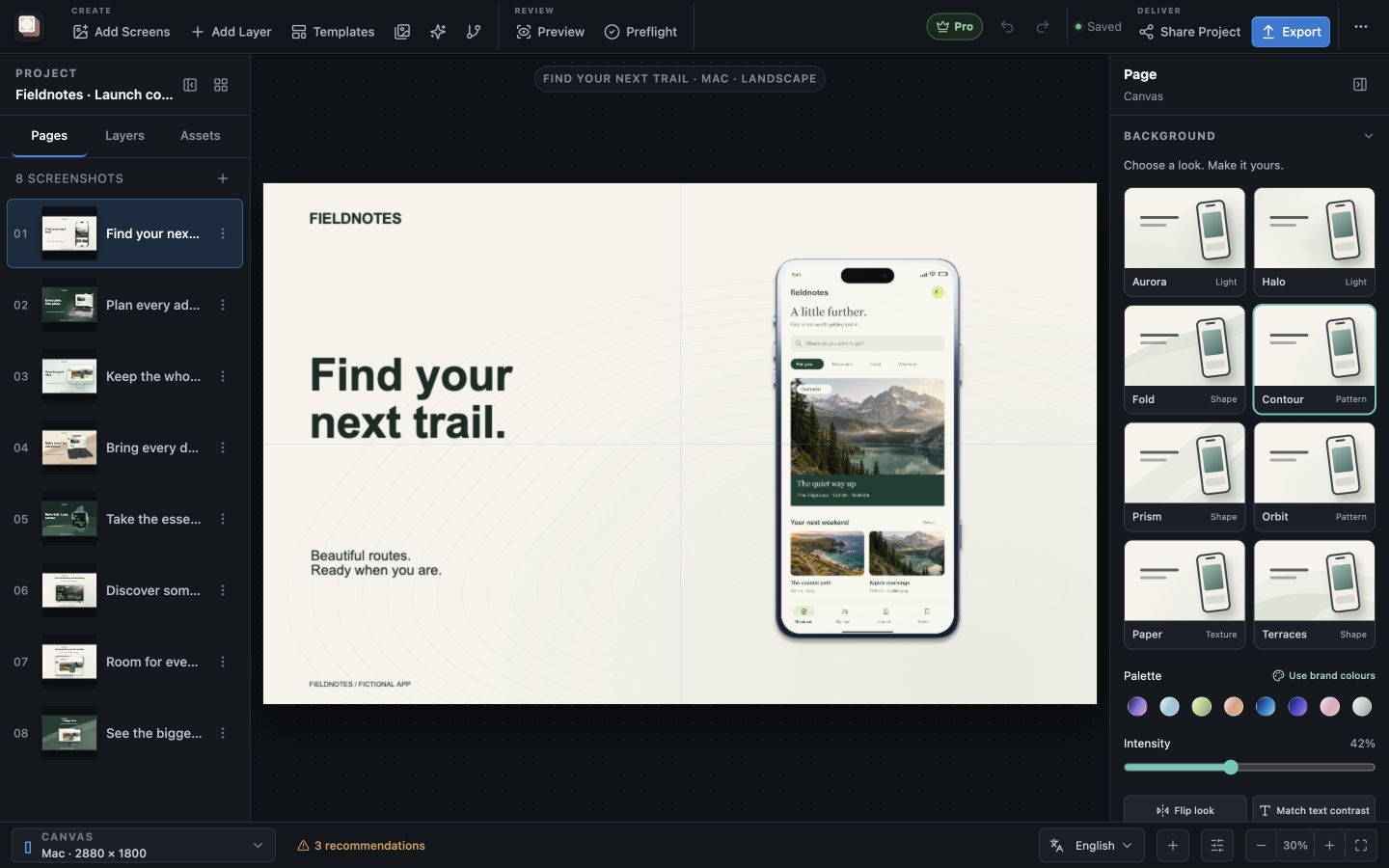
How it works
How can I repeat app captures for a new release?
Capture recipes help repeat the steps that produce an app screen: select a simulator or Android device, open a deep link, wait the time you set (100 to 15,000 ms) and import the capture into the project. Recipes require Pro. The Mac App Store version cannot launch simulators or devices, so it imports existing captures instead.
Repeat useful screens
Keep recurring captures tied to the project
When your interface changes frequently, the same screens need capturing again. A recipe records how to reach a useful app state so that the capture process can be repeated alongside your existing artwork.
Choose screens you can reliably open through the supported launch and deep-link steps. Review the imported result, then use it in the composition with your existing headline, frame and background.
Choose the workflow
Use the capture method available in your build
Automated capture requires Pro and access to the simulator or Android developer tools for the device you capture. The Mac App Store version cannot launch those tools.
If you use the Mac App Store version, capture the app with your usual tools and import those images. You can still build and update the composition in Screen Studio Kit.
Best for
Where this workflow fits.
- Screens that can be reached reliably through deep links
- Apps whose UI changes frequently between releases
- Teams that want the capture and design workflow to remain reproducible
Relevant capabilities
What Screen Studio Kit brings to the job.
Practical workflow
Make it with your own app captures.
Create a treatment
Choose store platforms and output presets, then begin from a blank page, an editable template, or a named campaign variant.
Compose in context
Edit copy on the canvas, place focal crops and callouts, refine typography, backgrounds, stickers, and reusable device compositions.
Adapt deliberately
Localize text, compare campaign treatments, and add per-size geometry or visibility overrides only where the shared composition needs them.
Validate and export
Run preflight, render the active treatment as a deterministic batch, and review the recorded output summary before publishing.
Useful in practice
Direct answers
Before you get started.
How can I repeat app captures for a new release?
Capture recipes help repeat the steps that produce an app screen: select a simulator or Android device, open a deep link, wait the time you set (100 to 15,000 ms) and import the capture into the project. Recipes require Pro. The Mac App Store version cannot launch simulators or devices, so it imports existing captures instead.
Which stores and device families are supported?
The preset catalog covers Apple device families, Google Play outputs, and Microsoft Store targets, including target-specific dimensions and format rules.
Can one layout serve several screenshot sizes?
Yes. Geometry is normalized to the active canvas, and specific output sizes can override position, dimensions, or visibility when a shared layout needs adjustment.
Go deeper
Manage source images, replace captures safely, use platform-aware frames, and keep the project portable.
Read Assets, captures, and device frames